
Applicable Models:
Firmware update v1.01.00_r1
- https://rzr.to/xPZxzx | September 8, 2023
- Fixed issue where lights are still on even after system shutdown
STEP-BY-STEP PROCESS
-
Download the latest firmware.
-
Launch the downloaded firmware.
-
Click "NEXT" to proceed. The updater will close all running Razer applications.

-
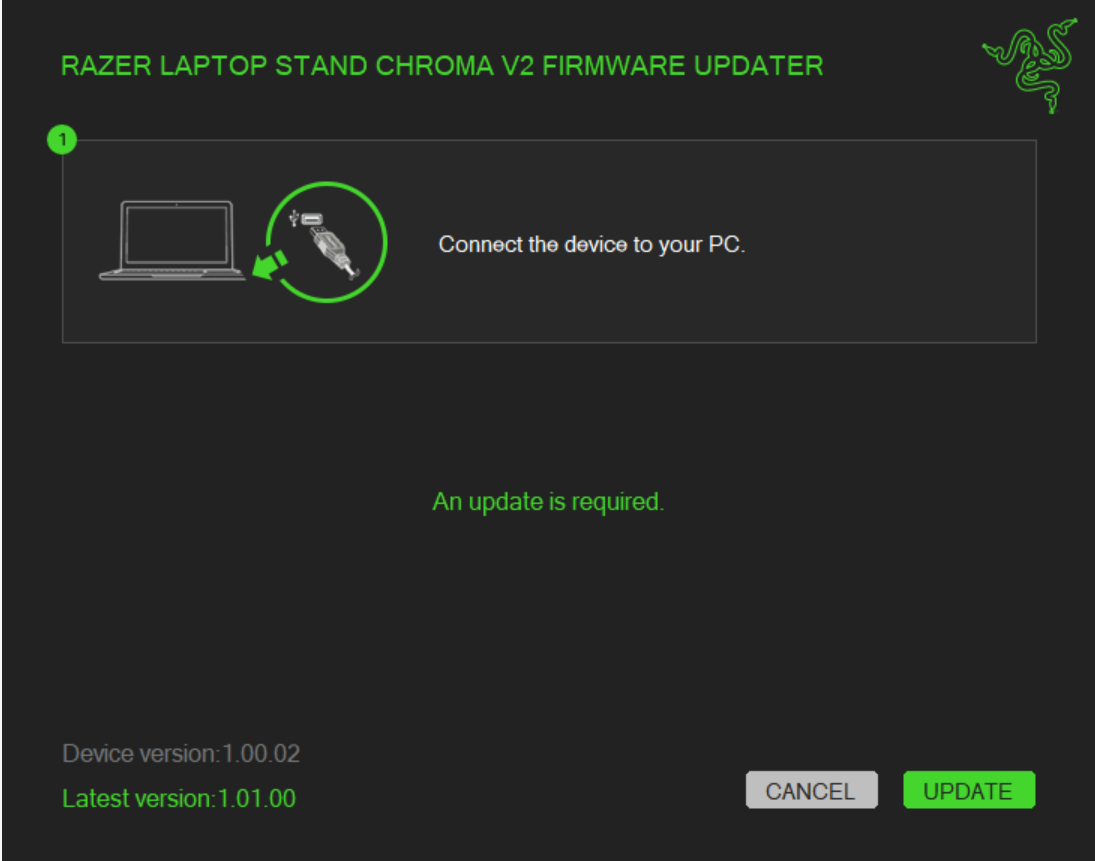
Plug in the Razer Laptop Stand Chroma V2 to your PC.
-
Click "UPDATE".
-
Wait until the update process is complete. Do not interrupt.

-
Once the update is complete, unplug and then replug the laptop stand to your PC.
-
Click "CLOSE" once the update is complete.


