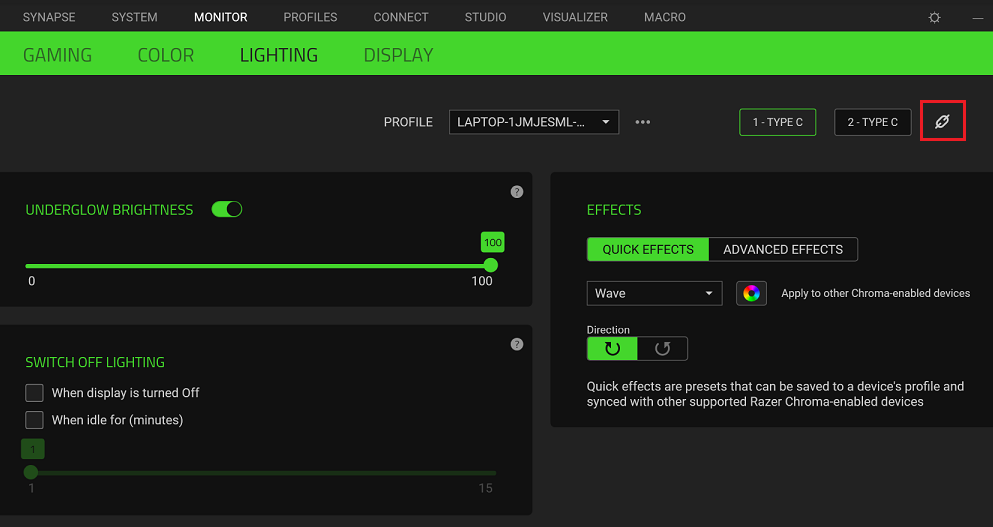
Follow the instructions below to synchronize the lighting on your Razer Raptor 27 QHD-165 Hz monitors.
Step-by-step process
-
Connect the Razer Raptor monitors’ USB-C port to your PC to detect them in Razer Synapse.
-
If your PC has two USB-C ports, connect the two monitors via USB-C.
-
If you prefer to use the HDMI or Display port on one of your monitors, connect the USB-C port of the monitor to the PC’s USB-C or USB-A port.
-
-
Open Razer Synapse.
-
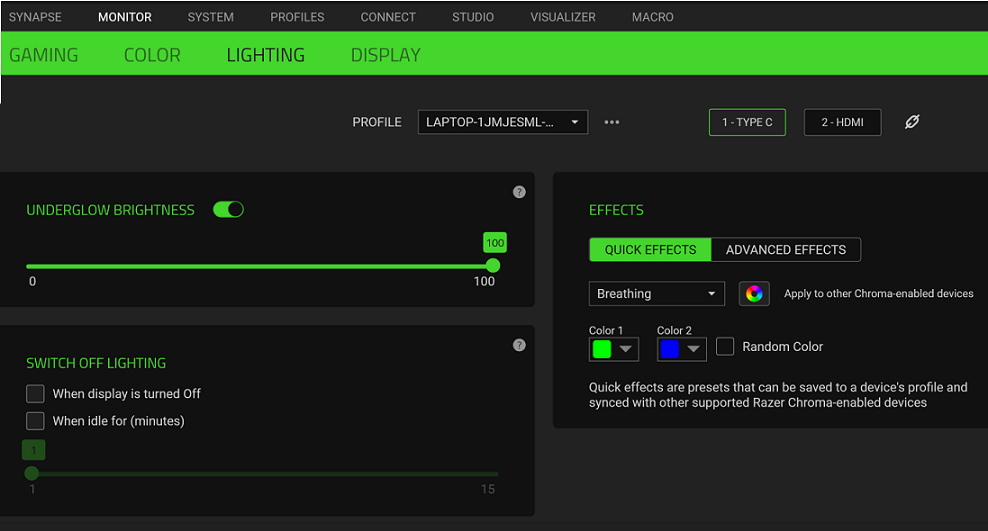
Go to the “Monitor” tab and check if the monitors are detected.
-
Click the “link” icon to sync the lighting behaviors on the detected monitors.