-
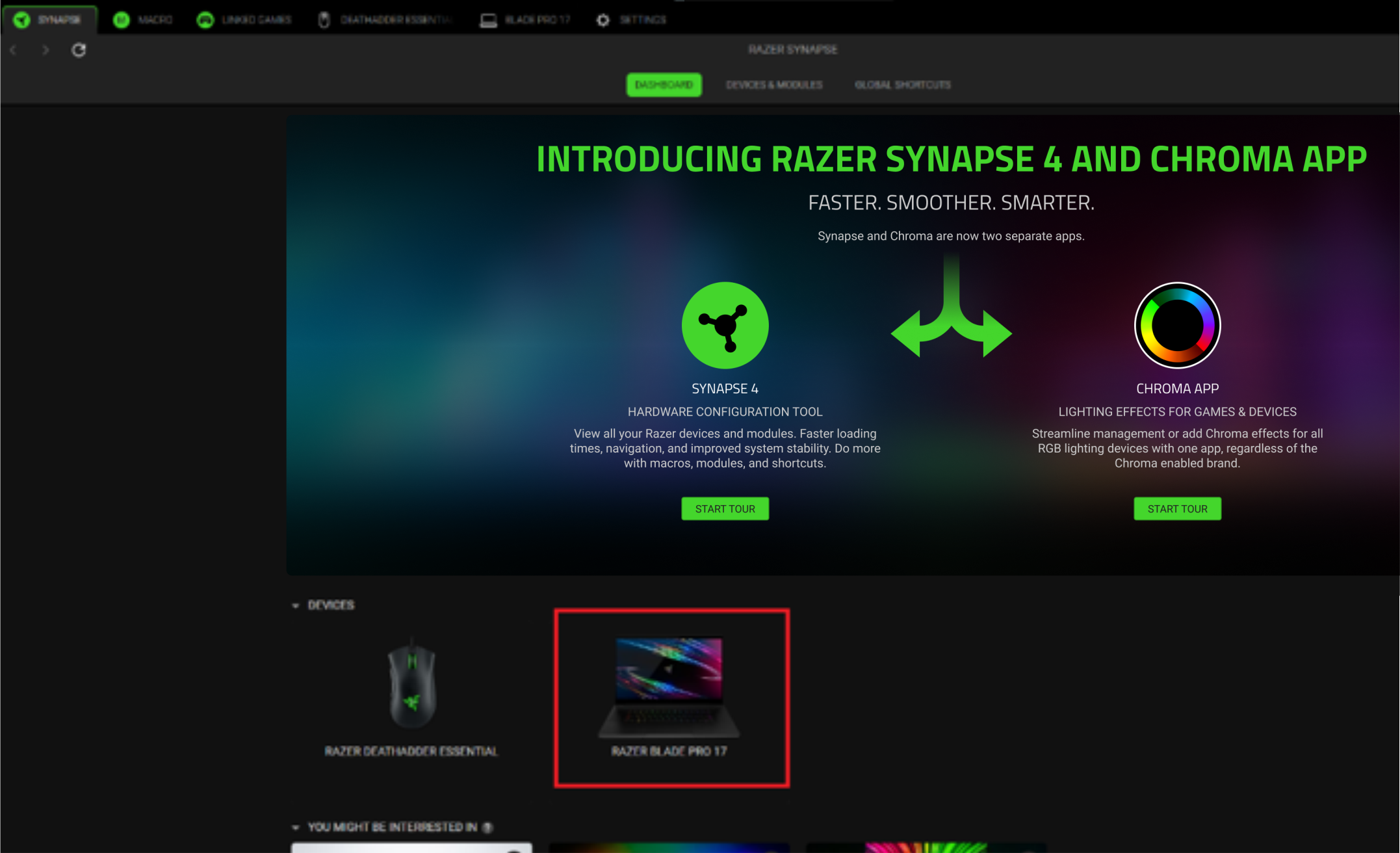
Launch Razer Synapse 4.
-
Select the Razer device you wish to configure from the list of devices.
-
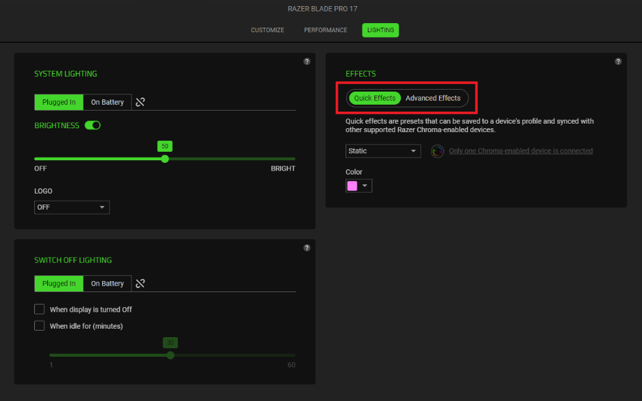
Click on the “LIGHTING” tab.

-
Click on “Quick Effects” or “Advanced Effects” tab under “EFFECTS”.

Launch Razer Synapse 4.
Select the Razer device you wish to configure from the list of devices.
Click on the “LIGHTING” tab.
Click on “Quick Effects” or “Advanced Effects” tab under “EFFECTS”.

