
You can view the video below for instructions or review a copy of the video transcript.
- Open the Gamer room app.
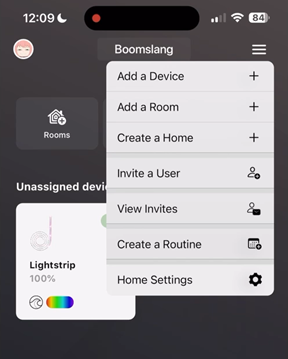
- Tap the Menu icon at the upper-right corner of the screen and choose “Invite a User”.
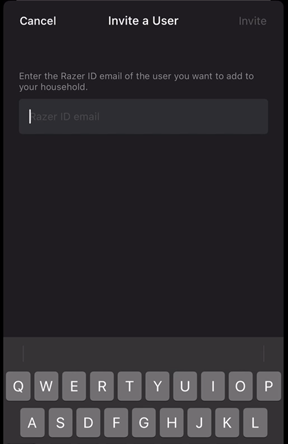
- Enter the Razer ID email of the user you want to invite then click “Invite”.
- Advise the recipient to open the Gamer Room app on their phone.
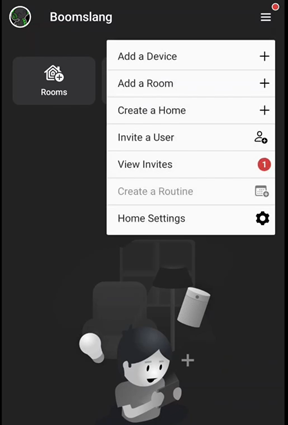
- Tap the Menu icon at the upper-right corner of the screen and choose “View Invites”.
- Tap “Accept Invite” and wait for the process to complete.
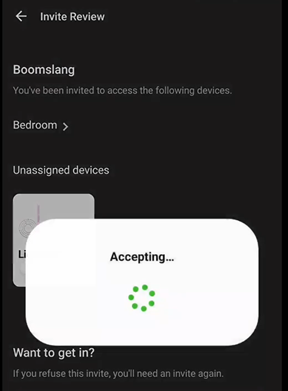
The user is now successfully added to your home.

