
You can view the video below for instructions or review a copy of the video transcript.
- Open the Gamer Room app.
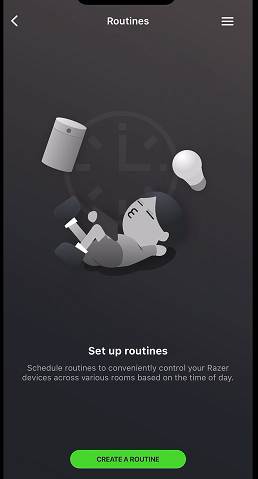
- Choose “Routines” and tap “CREATE A ROUTINE”.
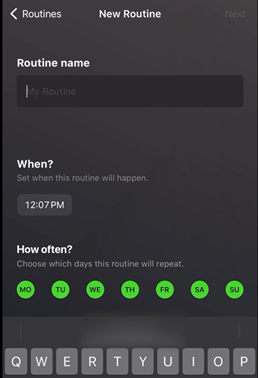
- Enter a name of the routine in the given field.
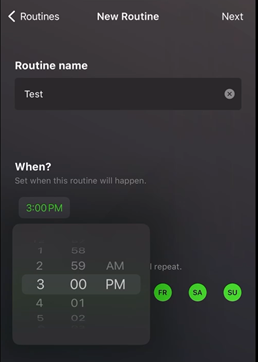
- Choose the time of the day for the routine to take effect.
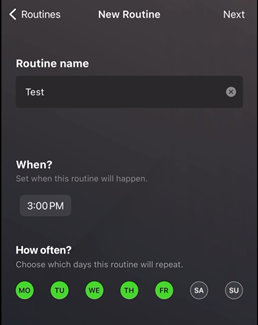
- Choose your preferred day(s) of the week then tap “Next”.
- Select which device(s) you want the routine to apply to and tap “Create”.
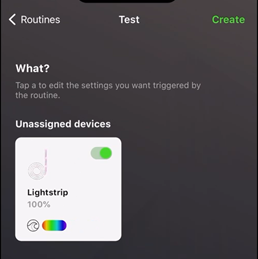
- Wait while the routine is being created.
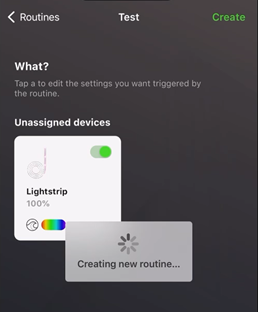
Your newly created routine will now be visible.

