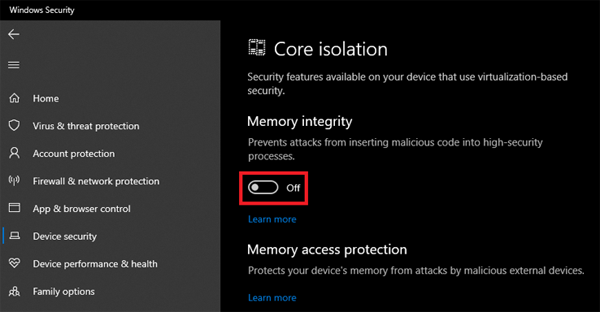
To proceed with the firmware update on your device, disable the Memory integrity from the Windows “Core isolation” settings. To do this, follow the steps below:
-
Go to “Start” and enter “Windows Security” in the search bar.
-
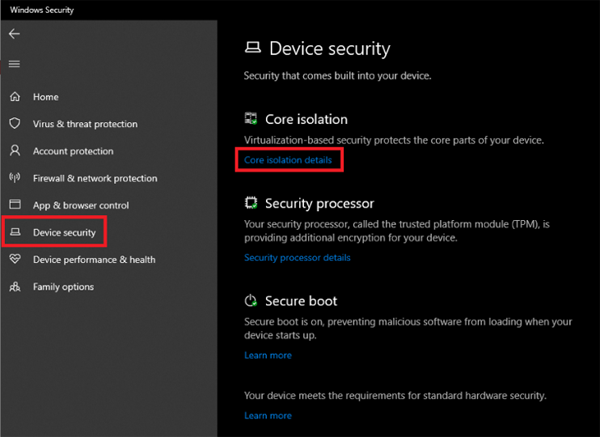
Select “Device Security” and click on “Core isolation details”.
-
Toggle the “Memory integrity” off.