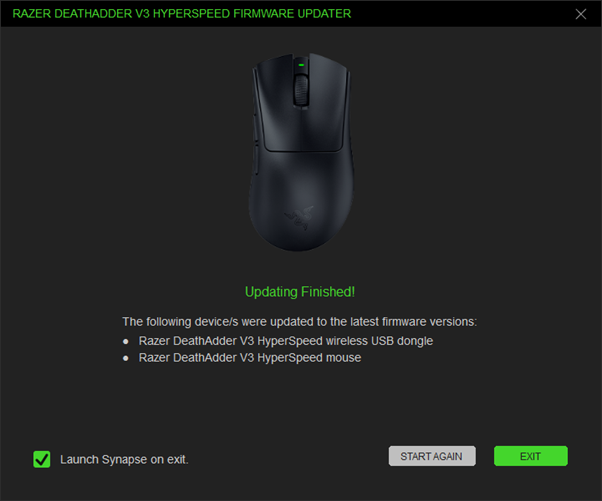
Applicable Models
Firmware v1.10.01_r1
- https://rzr.to/0mu70y | July 8, 2025
- General bug fixes
STEP BY STEP PROCESS
- Make sure the laptop is plugged into a wall outlet and not just running on battery before proceeding.
- Save all files and close all programs.
- Download the latest firmware updater.
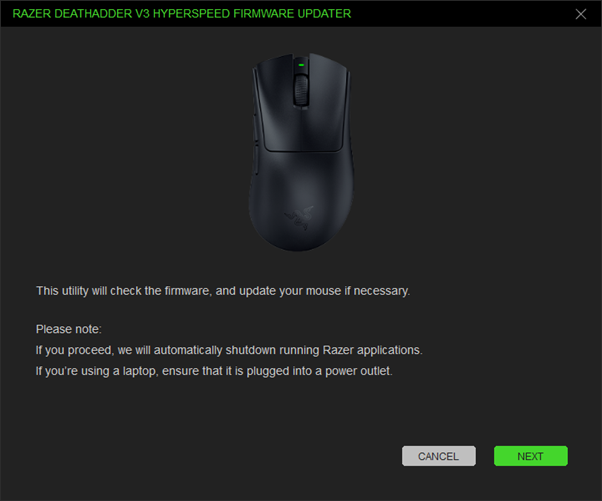
- Run the downloaded firmware then click "NEXT" to proceed.
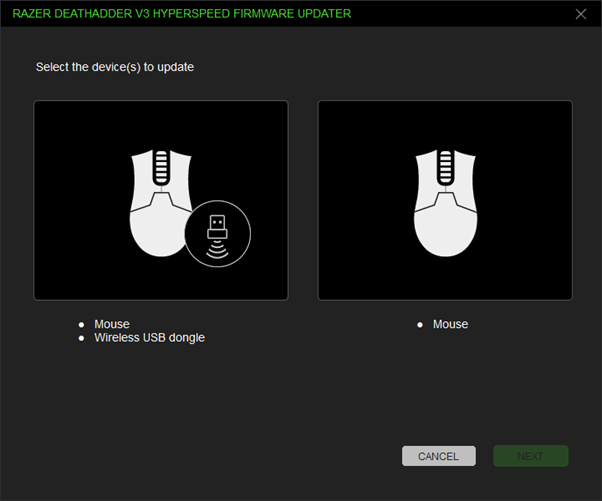
- Select the device you want to update.
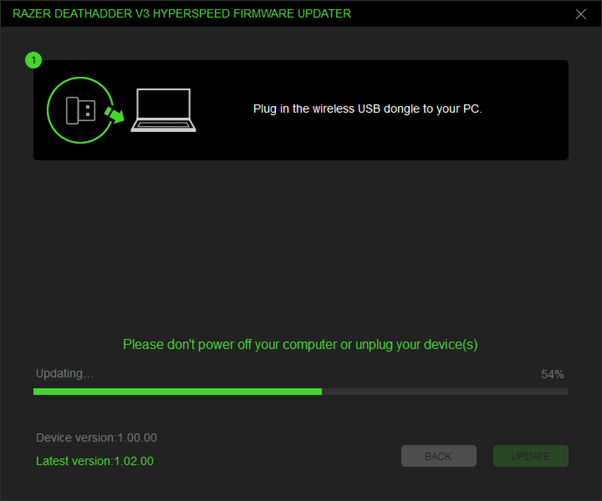
- Plug in the wireless USB dongle to your PC.
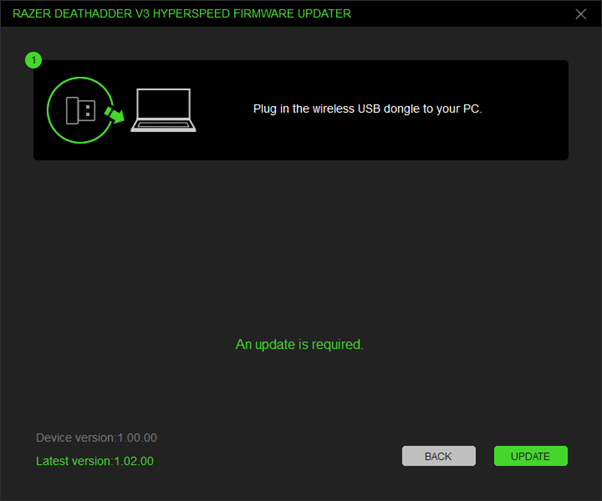
- Click "UPDATE".
- Wait until the update process is complete. Do not interrupt.
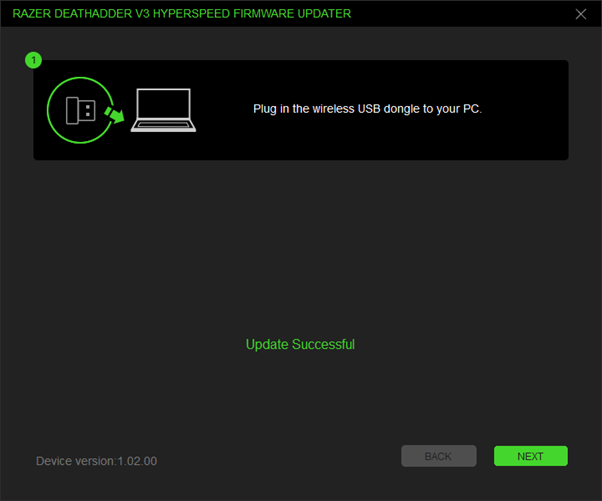
- Click "NEXT".
- Connect the mouse to your PC using the supplied USB cable.
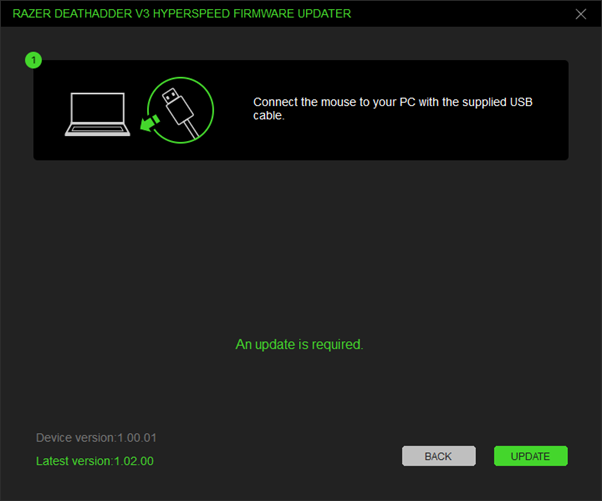
- Click "UPDATE".
- Wait until the update process is complete. Do not interrupt.
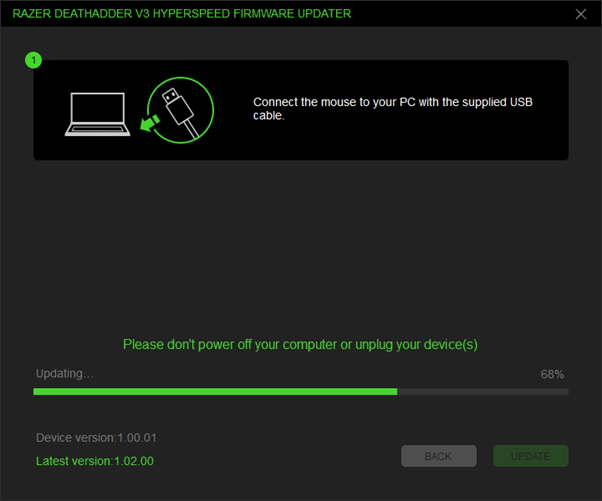
- Click "NEXT".
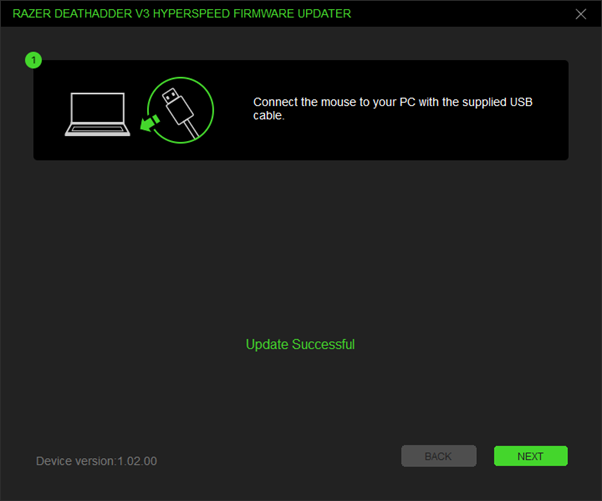
- When the update is complete, click "EXIT".