You can view the video below for instructions or review a copy of the video transcript.
Important:
- Export the device profile before proceeding. See How to export and import profiles and configurations in Razer Synapse for instructions.
- Make sure your Razer device is connected to your computer.
See the step-by-step instructions below on how to factory reset Razer peripherals in Razer Synapse 4.
-
Launch Razer Synapse 4.
-
Navigate to the device you want to reset.
-
Click on the help "?" icon located at the top-right corner.

-
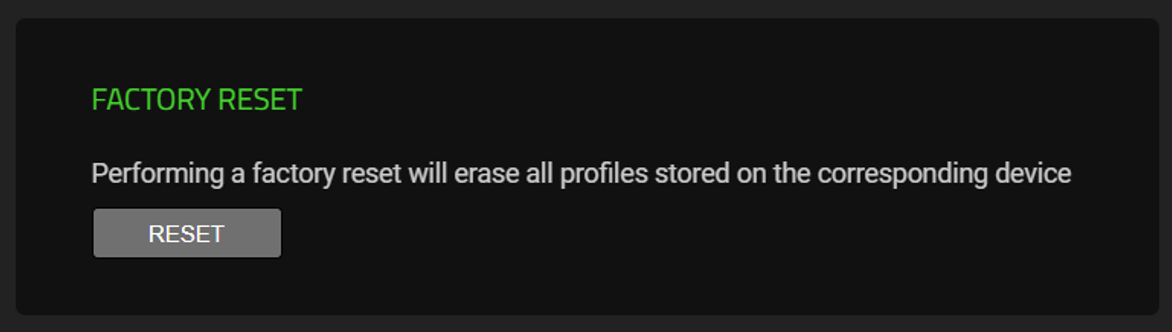
Click on the "RESET" button.
-
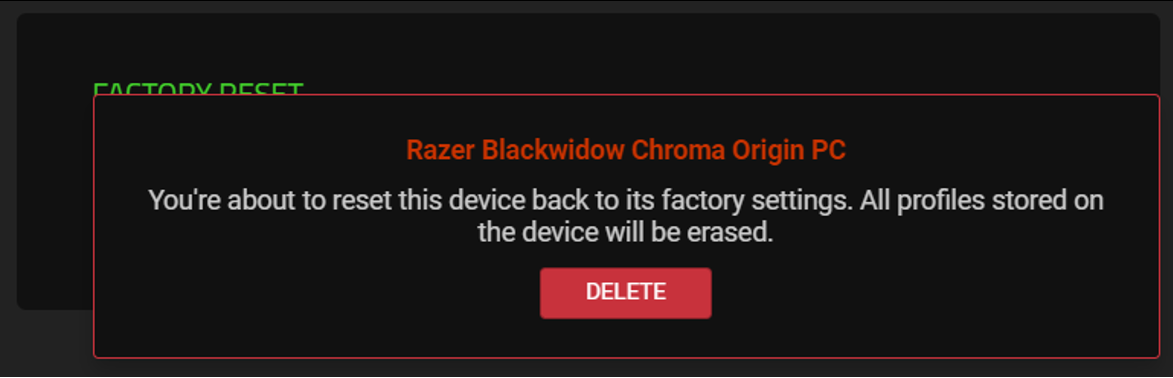
Click “DELETE” to confirm the reset action when prompted.