
Note: Live support for Razer Sila is no longer available. Please refer to our knowledge base or Insider Forum for support.
Below are the steps to properly reset the Razer Sila to factory settings
-
Ensure the Razer Sila is plugged into the power outlet.
-
Press the “RESET” button for about 10 seconds using a paperclip.

-
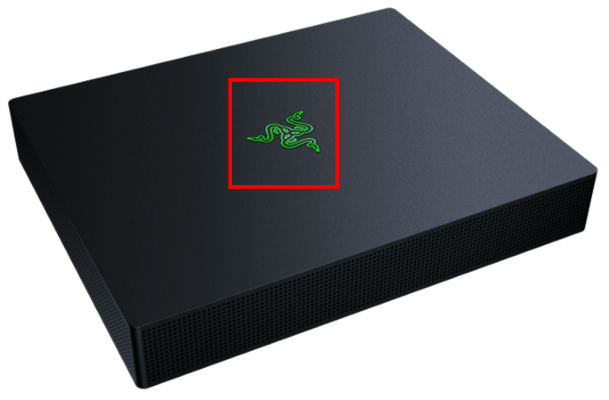
Release the button. The indicator light at the top of the Razer Sila should blink blue indicating that it is resetting to factory defaults.
-
Perform a power cycle on the Razer Sila.
-
Unplug the Razer Sila from the power outlet for 30 seconds.
-
Plug the Razer Sila back in.
As soon as the light goes solid green, you can then reconfigure the Razer Sila.
-

