Note: Live support for Razer Sila is no longer available. Please refer to our knowledge base or Insider Forum for support.
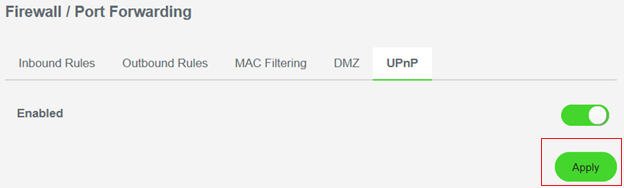
UPnP is disabled by default. To enable UPnP via the Razer Sila Web UI, follow the steps below.
-
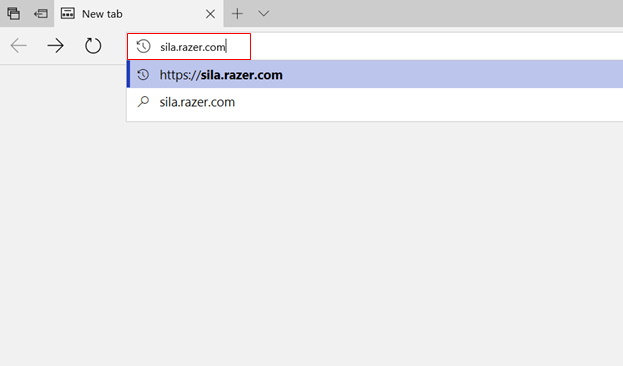
Type sila.razer.com into your web browser.
-
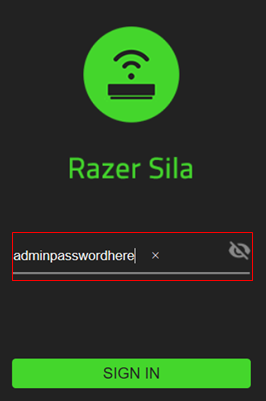
Login as administrator.
-
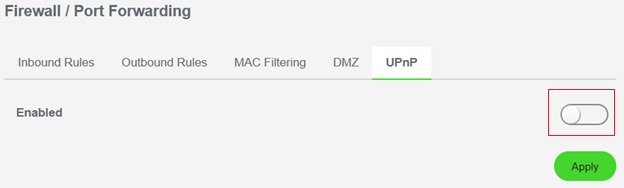
Select “Firewall / Port Forwarding”.

-
Select "UPnP".

-
Slide the switch icon to the right to enable UPnP.
-
Click "Apply".