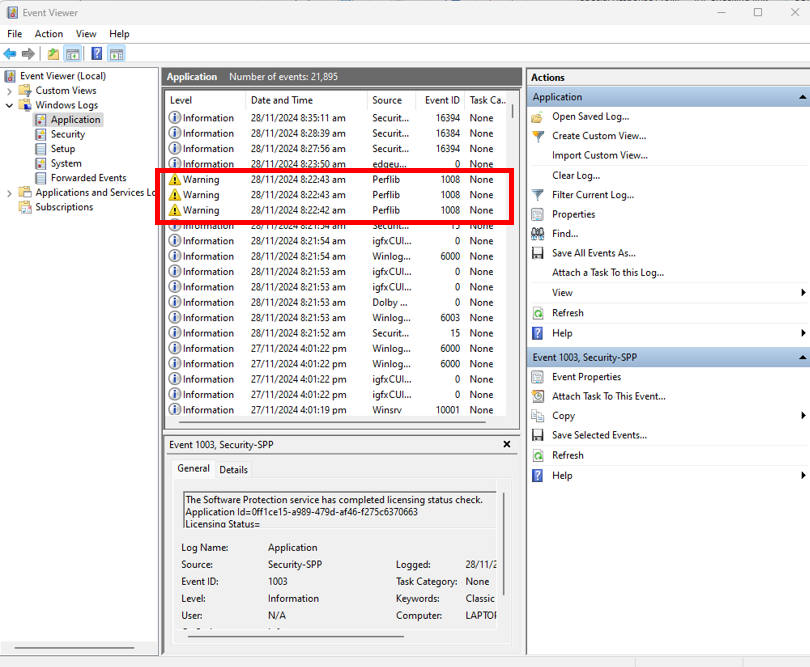
The Windows Event Viewer is a tool that shows the events on your system. You can use the Windows Logs of the Event Viewer to check warnings and critical errors and determine the cause of your system issues.
Follow the steps below to use the Event Viewer.
-
Launch the Event Viewer tool.
-
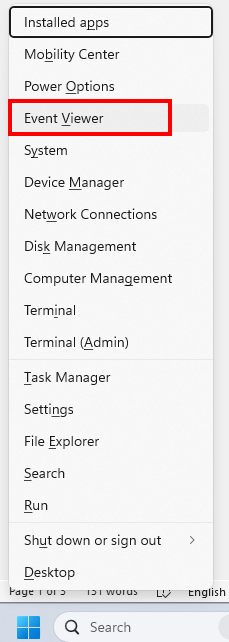
Press the Windows button + X on your keyboard.
-
Click “Event Viewer”.
-
-
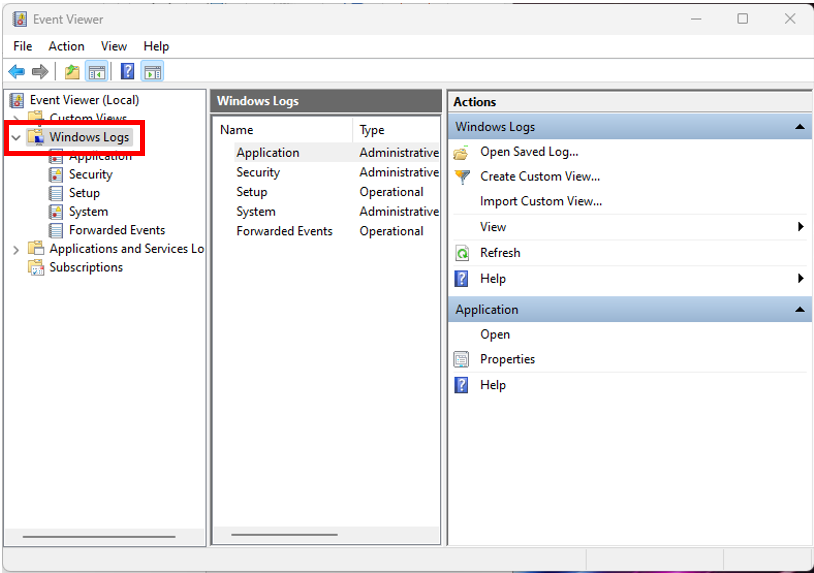
Click “Windows Logs” drop-down menu.
-
Check the tabs for warnings and critical errors.