
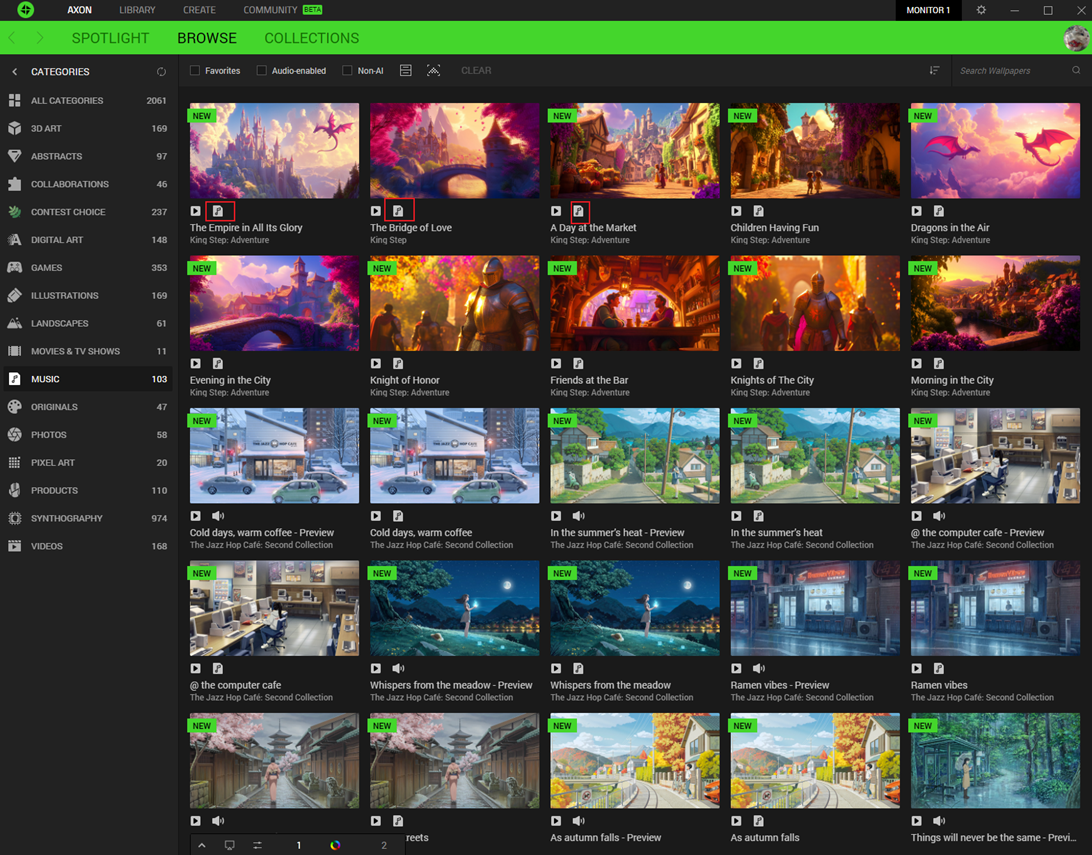
- Find the Spotify supported wallpaper with the ‘Music’ icon.
- Click on the wallpaper thumbnail to view the details page.
- Click the ‘LOG IN’ button and follow the instructions to log in your Spotify account.
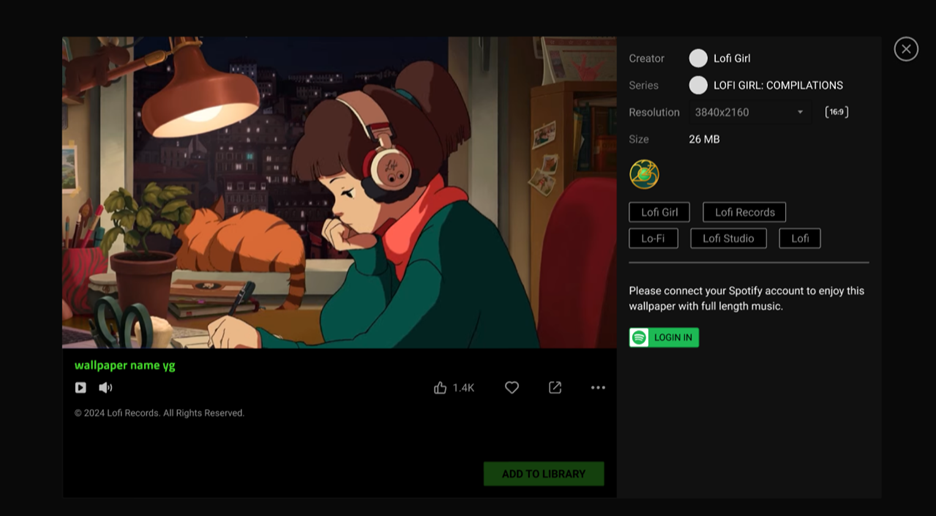
- Once logged in, click ‘ADD TO LIBRARY’ to download.
Note: You need to log in again after expiration. Regional restrictions are subject to the Spotify official website.

