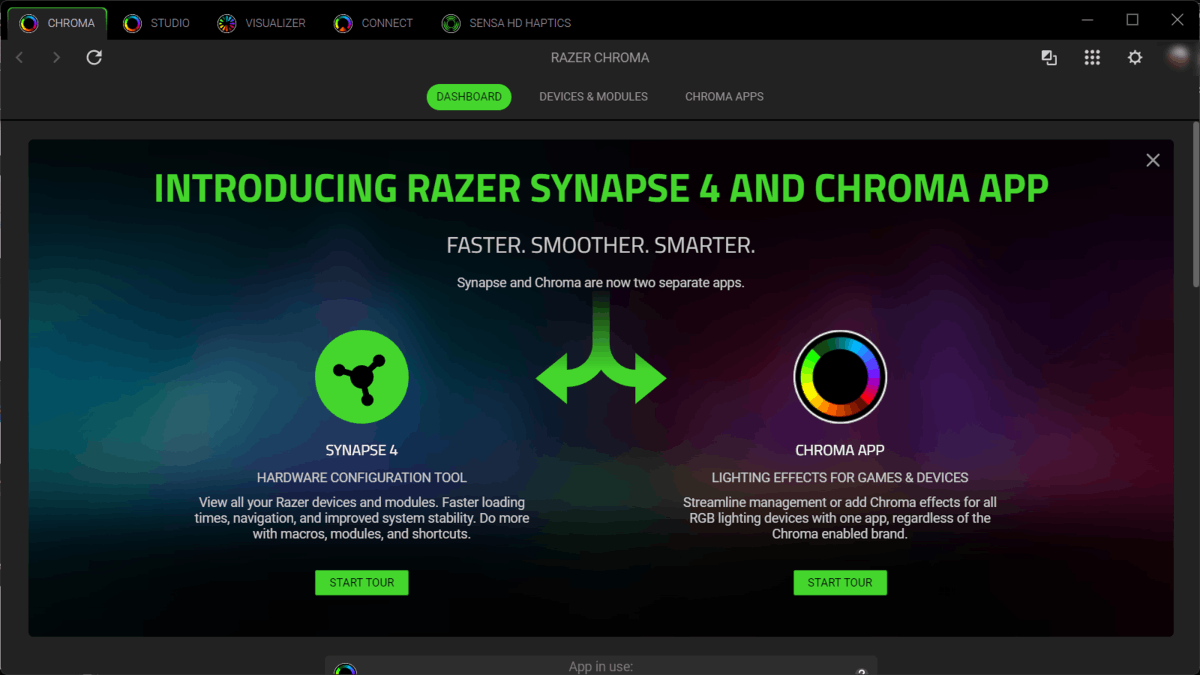
Below are the steps to reinstall the Razer Chroma App.
-
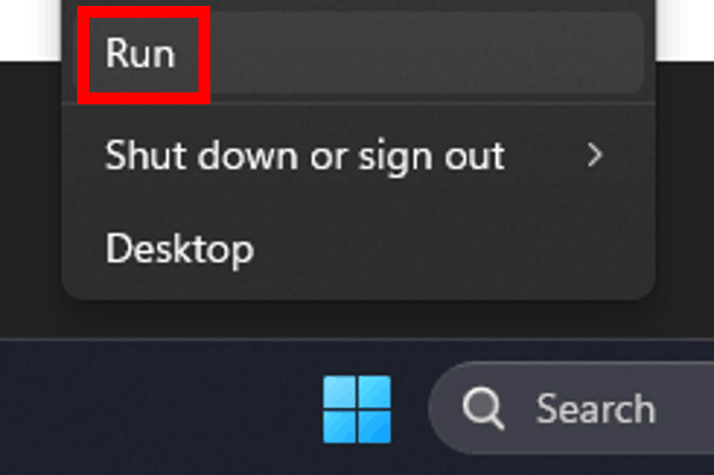
Right-click the “Start” menu and select “Run”.
-
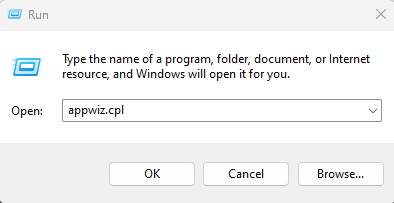
In the “Run” dialog box, type “appwiz.cpl” and press enter.
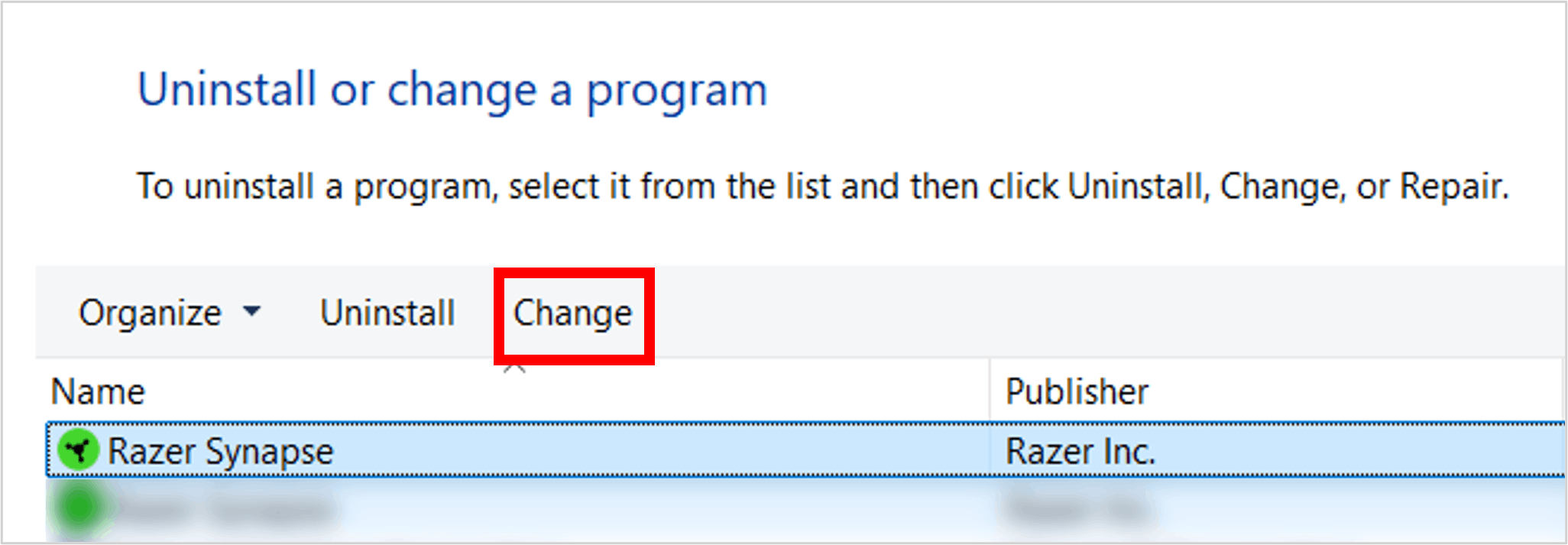
The “Programs and Features” window will open.
-
Locate Razer Synapse and click “Change”.
-
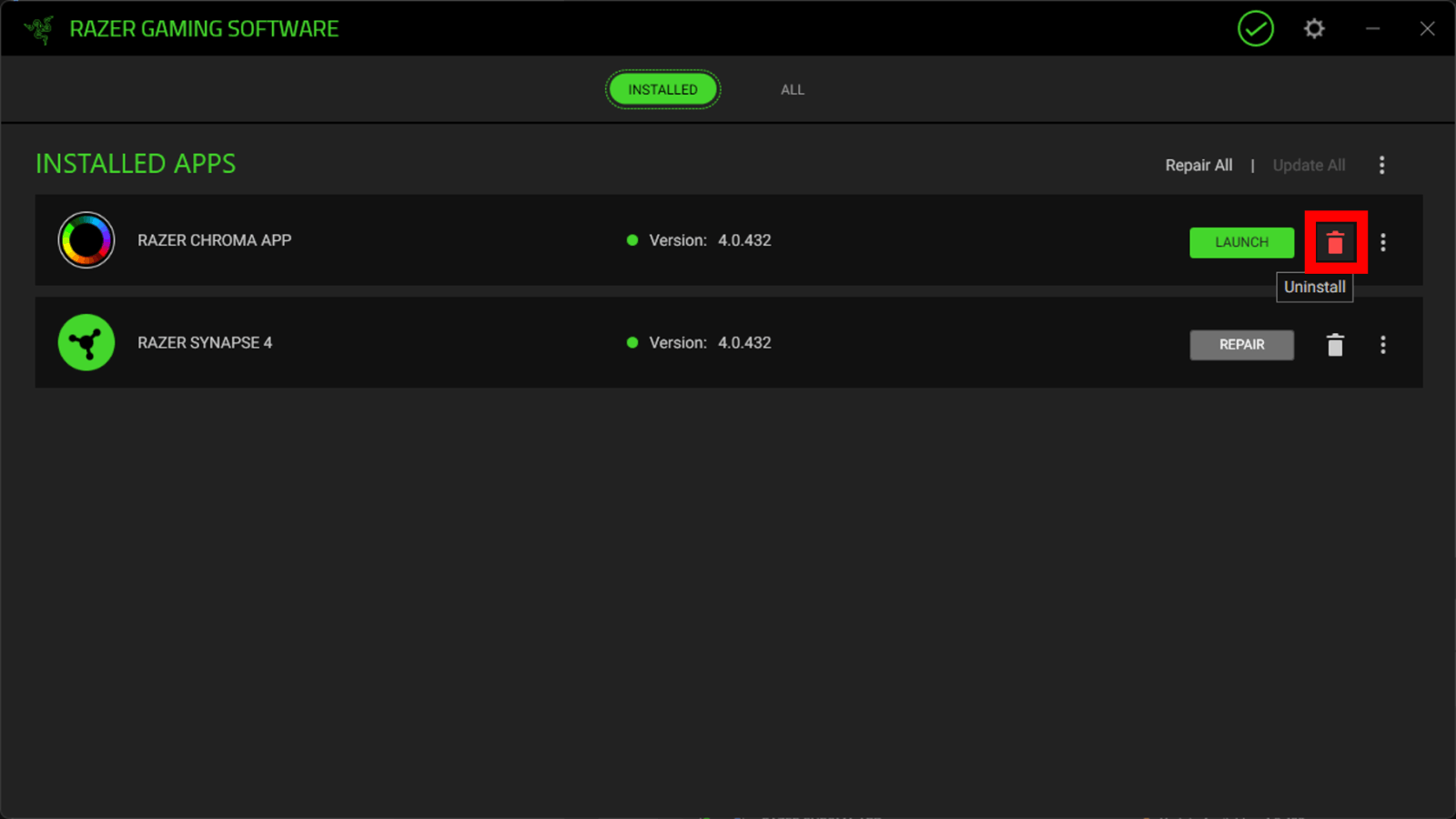
In the “Razer Gaming Software” window, click the “Uninstall” icon and wait for the process to complete.
-
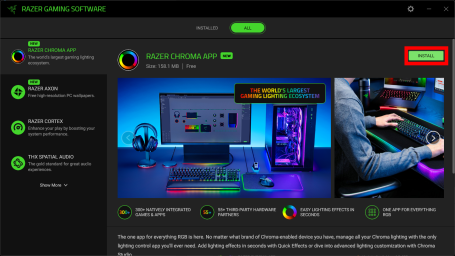
Once the uninstallation is complete, go to the “All” tab, select the Razer Chroma App, and click “Install”.
-
After installation finishes, the Razer Chroma App will launch automatically.