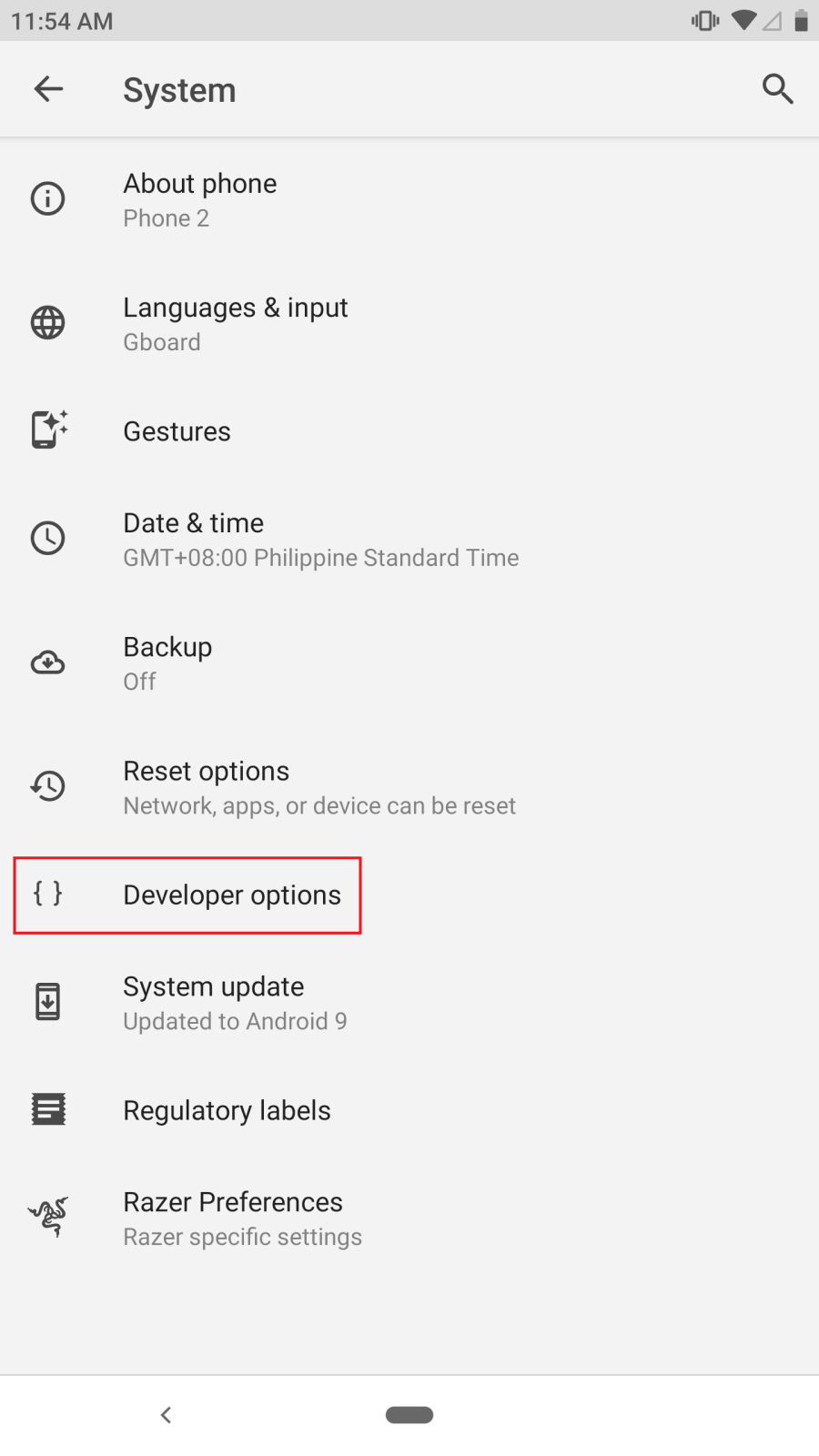
The Developer Options contain hidden useful tools and tweaks that are only available on Android devices and built generally for developers. It is used to test apps and software that the developers created for Android devices.
Below are the steps to enable Developer Options on the Razer Phone:
- Navigate to "Settings" and tap "System".

- Tap “About Phone”.

- Tap “Build Number” repeatedly until the "You are now a Developer" message shows up.

- “Developer Options” will now be available in the system.