
Applicable model:
Firmware v5705
- https://rzr.to/XlHDd | September 7, 2018
- Fixes phantom/ghost touching issue with Blade Stealth touch panel.
Follow the detailed instructions below to run the updater on your device.
Step-by-step Process
-
Download the latest firmware updater.
-
Run the downloaded file to initiate the install process.
-
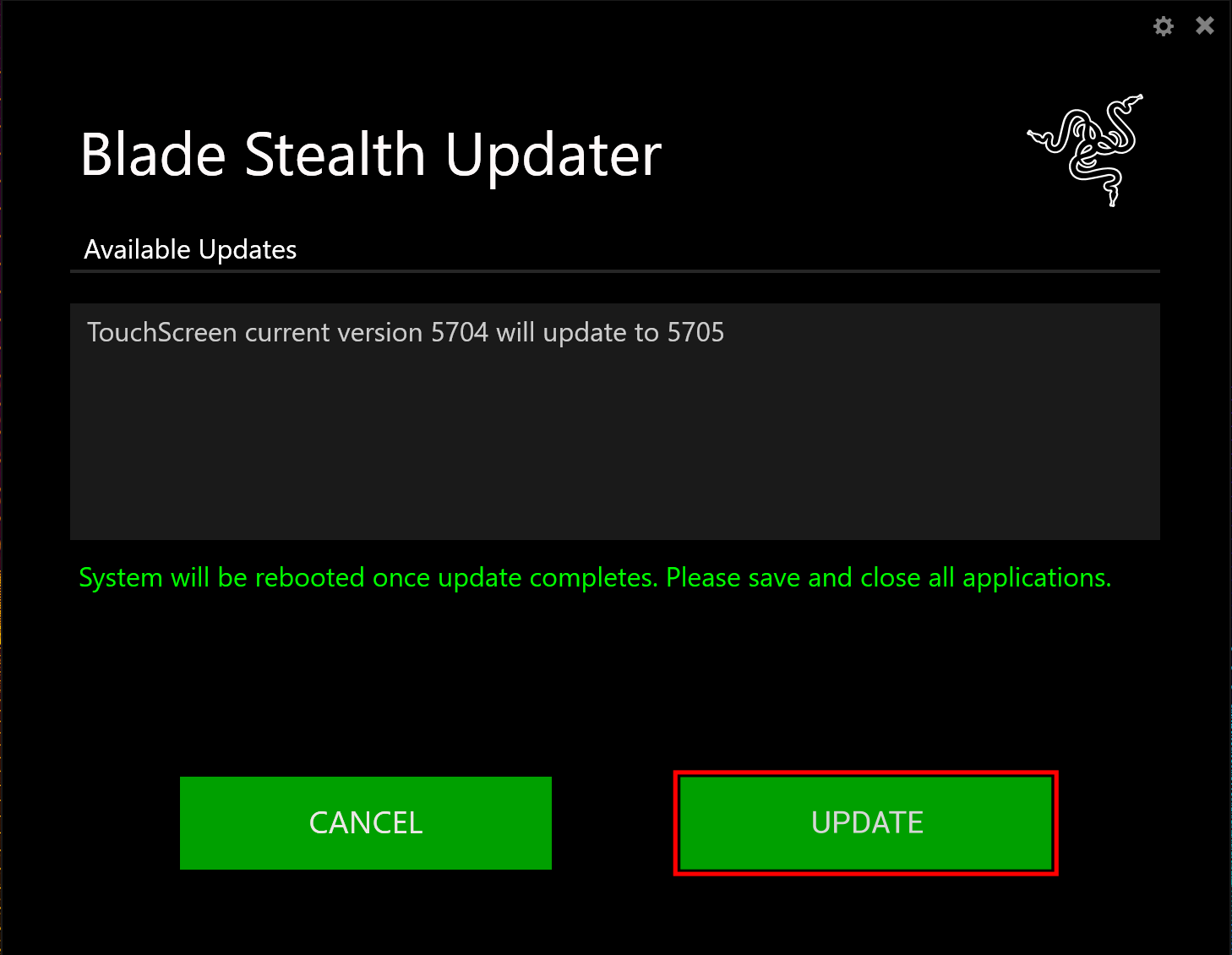
The Razer Updater will appear and indicate if you can update it.
NOTE: If the "Update" button is greyed out, your system is already running the latest version and no longer requires this update.
-
Please ensure that you have saved your work and closed all open programs before proceeding.
-
Left-click "Update" to start the update process (NOTE: You may lose keyboard and mouse functionality during the update process).
-
Wait for the update process to complete.
-
Your computer will restart once the update is complete.

