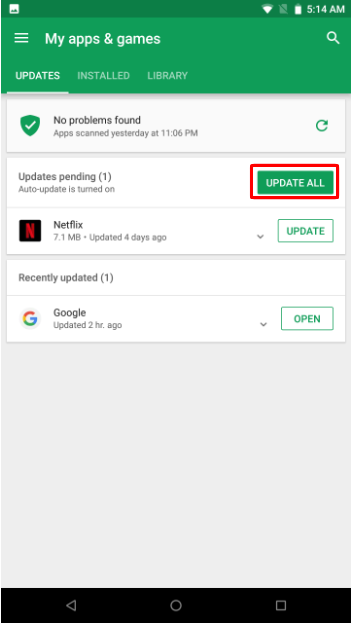
Follow the step-by-step process below to manually install the updates on the apps on your Razer Phone.
-
Open the Google Play Store app.

-
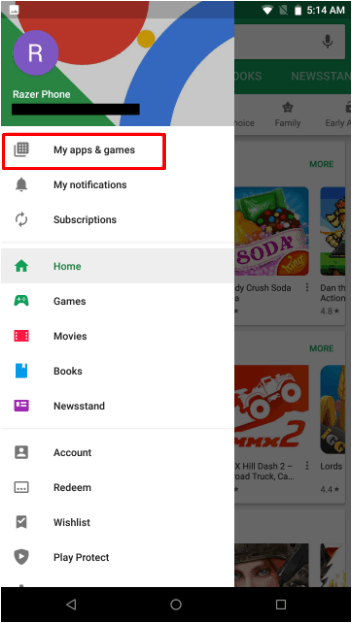
Tap the "Menu" icon beside the "Google Play" text in the search bar.
-
Tap "My apps & games".
Note: Apps with an update available are listed under "Updates pending".
-
Tap "Update All" to update all apps.
Note: For individual apps, find the specific app you want to update and tap "Update".