How to enable or disable Dolby Atmos on the Razer Phone

| Answer ID: 1581

This answer will show you how to enable or disable Dolby Atmos on the Razer Phone.


Dolby Atmos enhances your existing sound system by adding height channels. Follow these steps provided to enable or disable this feature on your Razer Phone.

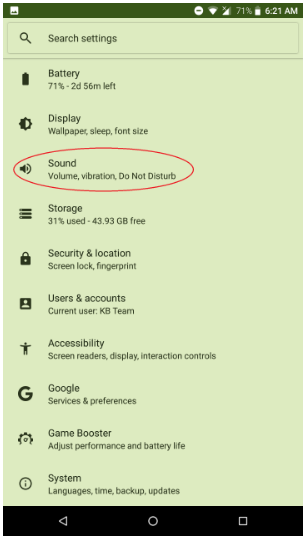
  1. Go to "Settings > Sound."

    Tap Sound found under settings

  2. Tap "Dolby Atmos Settings".

    Tap Dolby Atmos Settings under Sound

  3. Tap the power button on the top-right corner to turn it on or off.
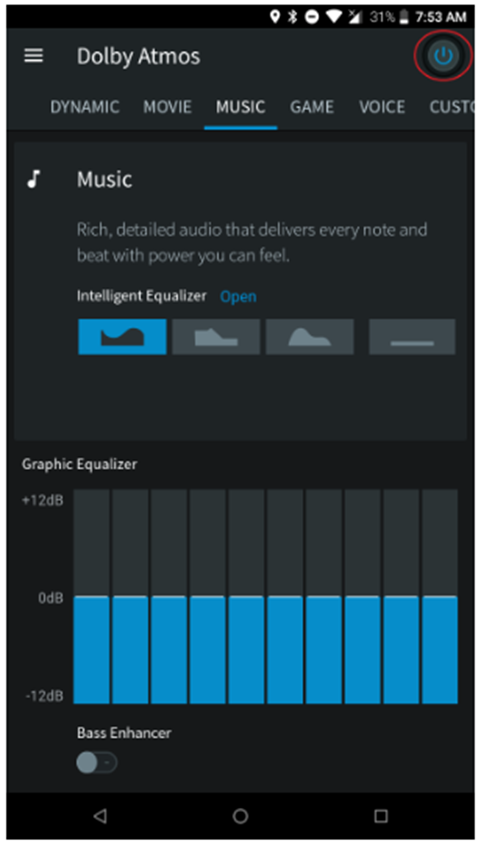
    Tap the power button on the top-right corner

Is this answer helpful?