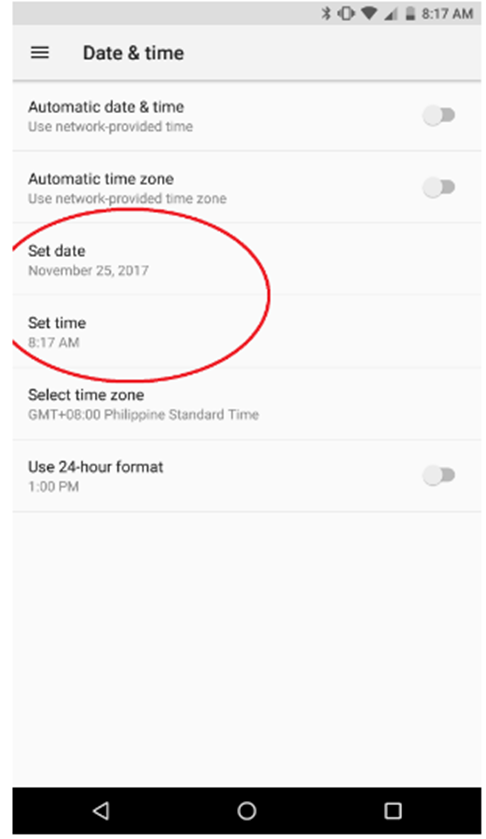
Step-by-step process on how to adjust the date and time settings on your Razer Phone
-
Go to Settings > System > Date & Time.

-
Select "Automatic date & time" and "Automatic time zone" to automatically set your date and time settings.

Note: Disable them to manually adjust the date and time settings.