
Changing the language settings on the Razer Phone allows you to customize it so it would display your preferred language in all its texts and contents.
Step-by-step process
- Open the app list and select "Settings".

- Select "System" > "Language & input".

- Select "Languages".

- Select "Add a language".
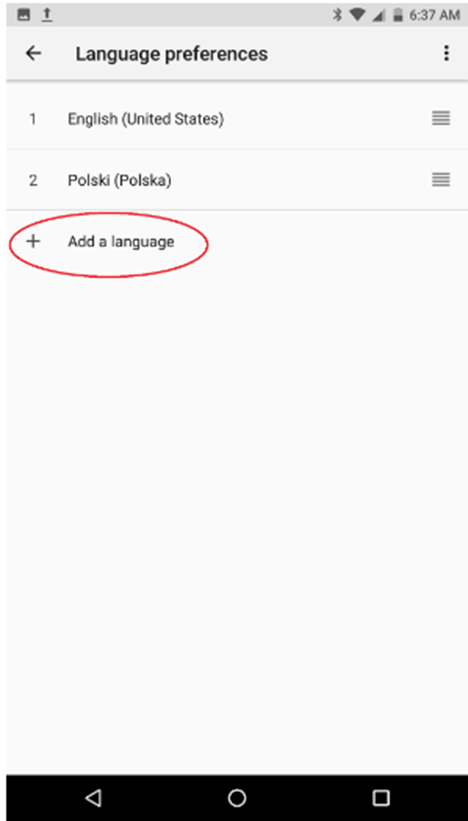 .
.
- Select the language of your choice.
Note: The language on the top of the list will be the main language of the entire phone.
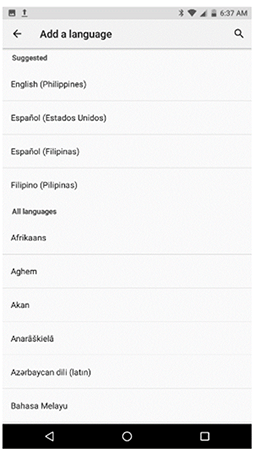
-
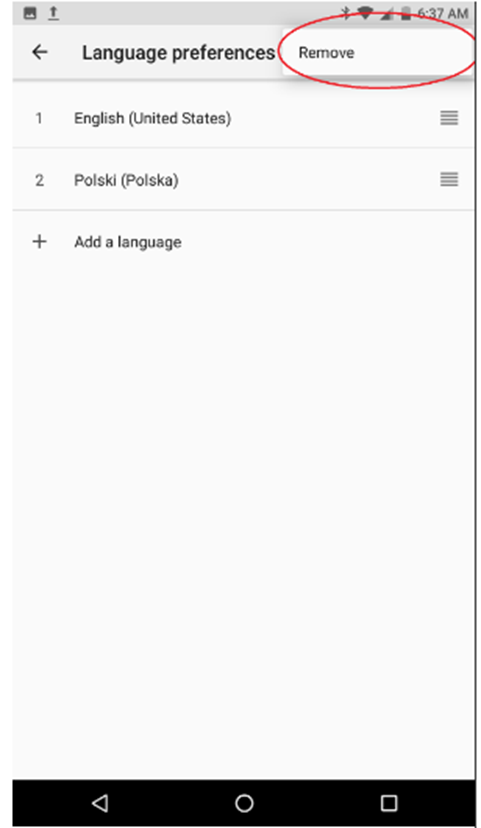
To remove any enabled language:
-
Select the additional options icon (3 vertical dots).
-
Tap "Remove".
-
-

