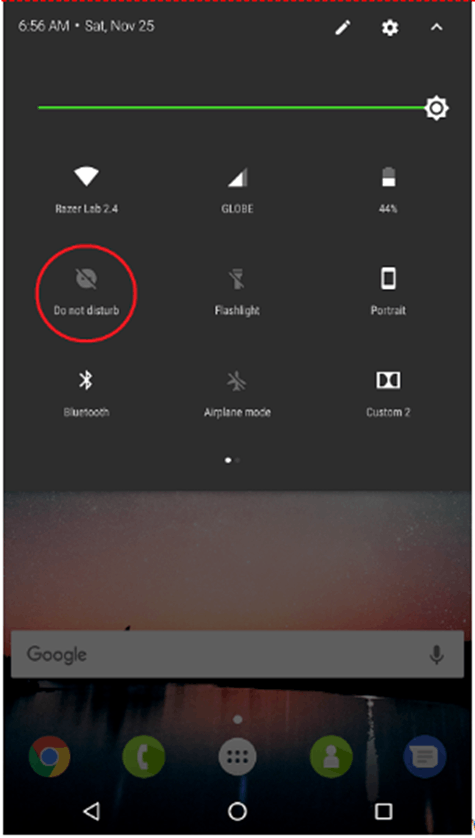
"Do not disturb" mode allows your phone to receive calls, messages, and other notifications while disabling sound, vibration, and lighting notification features.
Below are the steps on how to turn "Do Not Disturb" mode on your Razer Phone.
- On your Home Screen, swipe down twice to display the quick settings window.
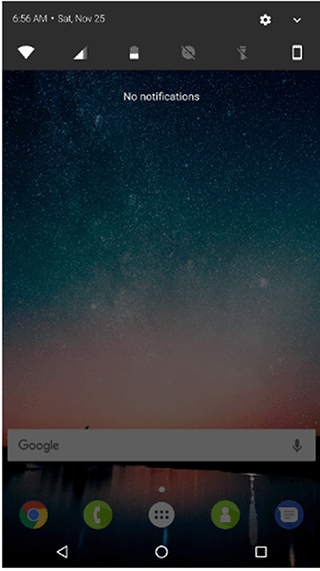
- Tap the "Do not disturb" icon.