How to adjust the screen brightness of the Razer Phone

| Answer ID: 1594
This answer is a guide on how to adjust the screen brightness of the Razer Phone.


If the default brightness setting on your Razer Phone is not be suitable to your preference, do the steps below to to make adjustments.

  1. Open the app list and select "Settings".
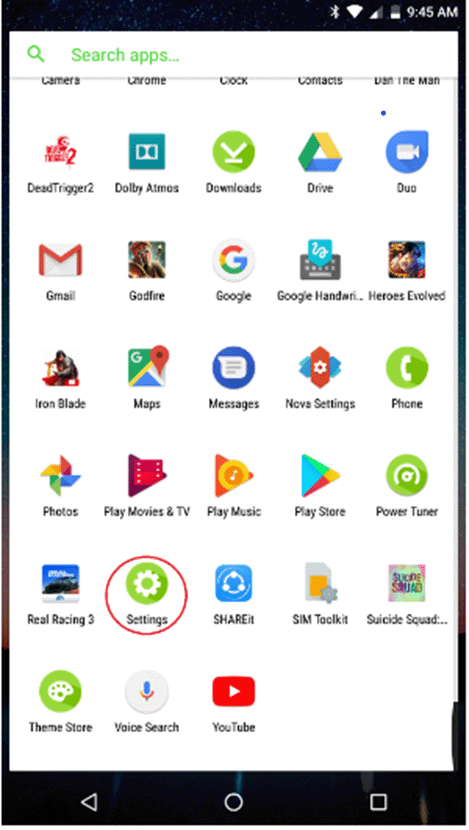
Razer Phone Settings app

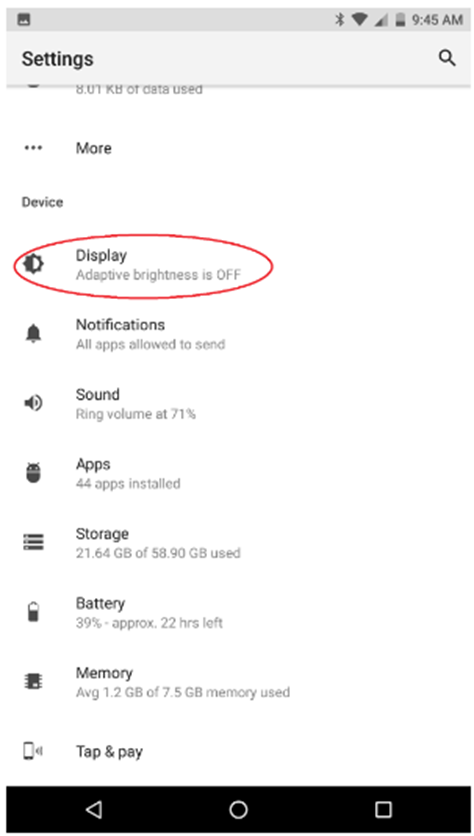
  1. Select "Display".

Razer Phone Display under Settings

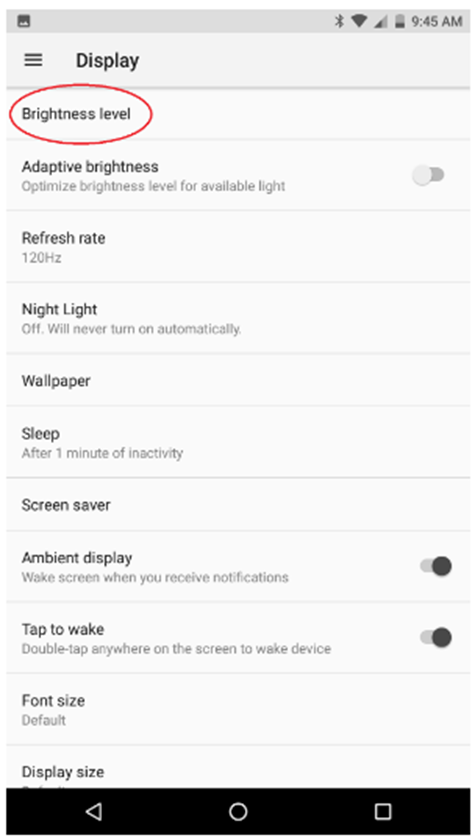
  1. Select "Brightness level".

Razer Phone brightness level

  1. Set the slider to your desired brightness setting.
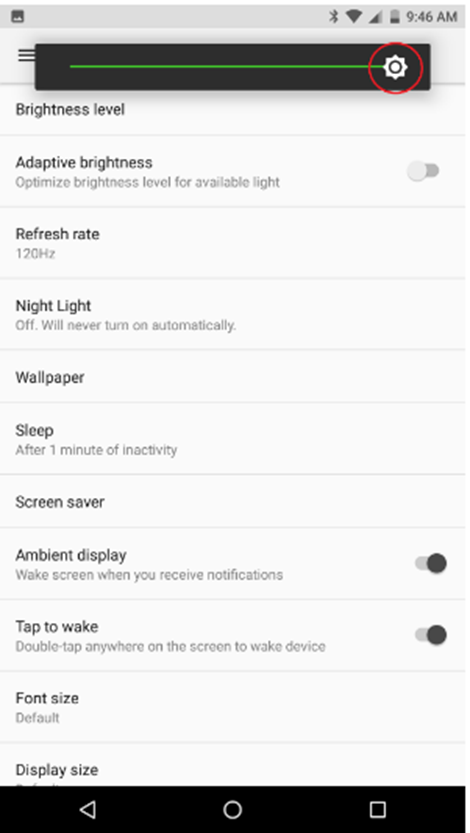
Razer Phone brightness setting

Is this answer helpful?