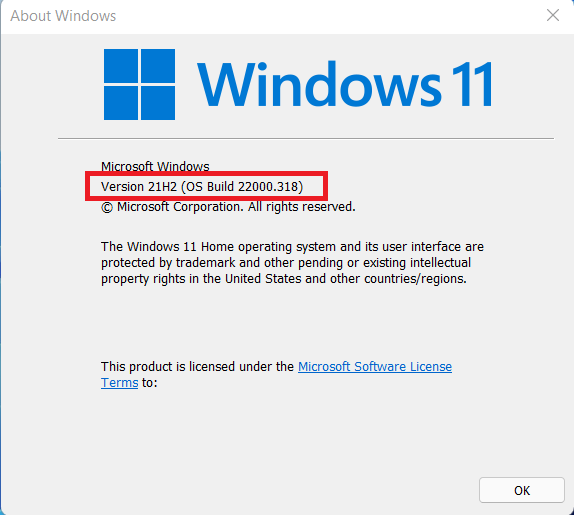
Select Windows version
Windows 10
Step by step Guide
-
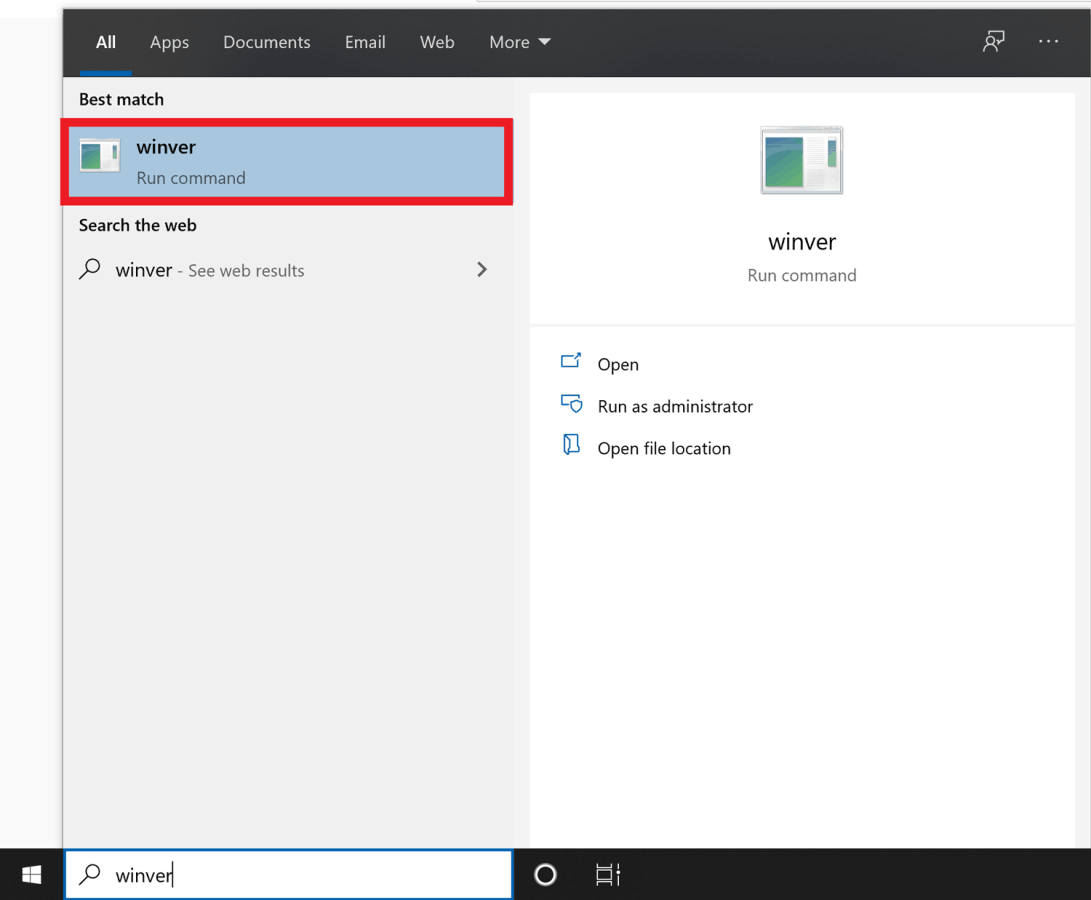
Click on the Windows logo at the lower-left corner of the screen and type in "winver" without the quotes and open the application by clicking it from the search results.
-
Your Windows version will be listed clearly below the Windows 10 logo.

Windows 11
Step by step Guide
-
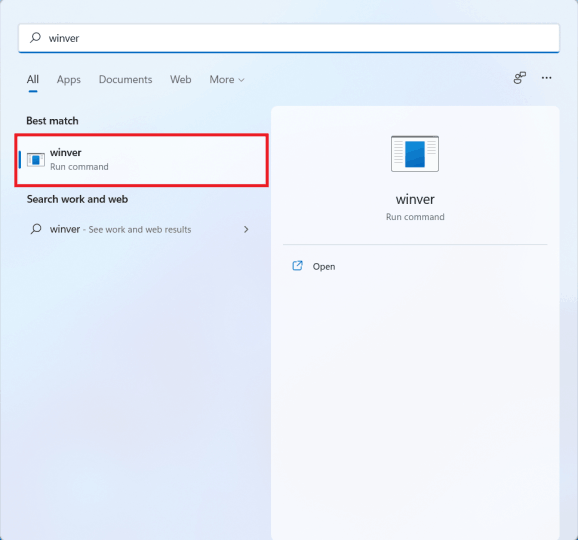
Press the Windows button on your keyboard and type in "winver" without the quotes and open the application by clicking it from the search results.
-
Your Windows version will be listed clearly below the Windows 11 logo.