Step-by-step process
-
Press the power button to boot up your phone.
-
Input your language of choice and accept Razer's Terms and Conditions.

-
Select "Set up as new".
Note: Alternatively, select "Copy your Data" to copy any information you have stored from an existing iPhone, Android device, or cloud.

-
Choose to connect the Razer Phone to an internet connection or network. Connecting to an internet connection will help you quickly set-up your phone but you may choose to skip this and continue.

-
Input your name and click "NEXT".

-
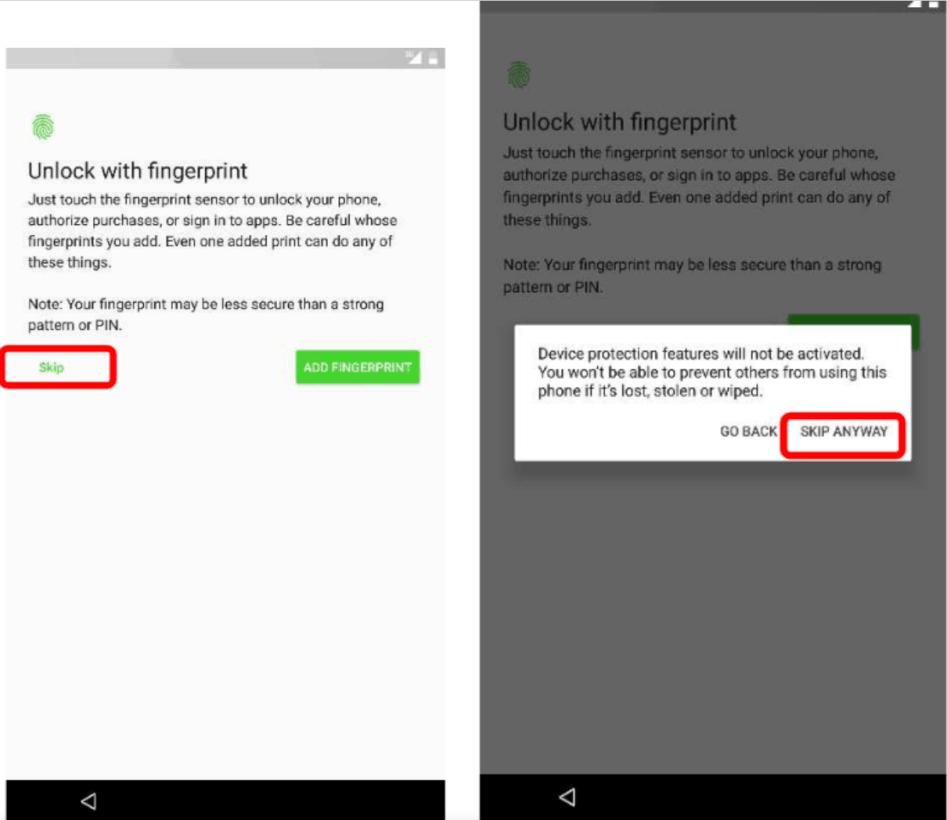
Set up the fingerprint lock feature or skip, depending on your preference.
-
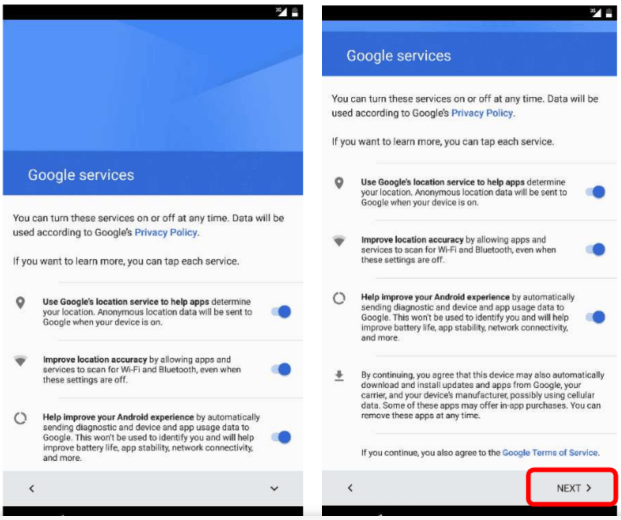
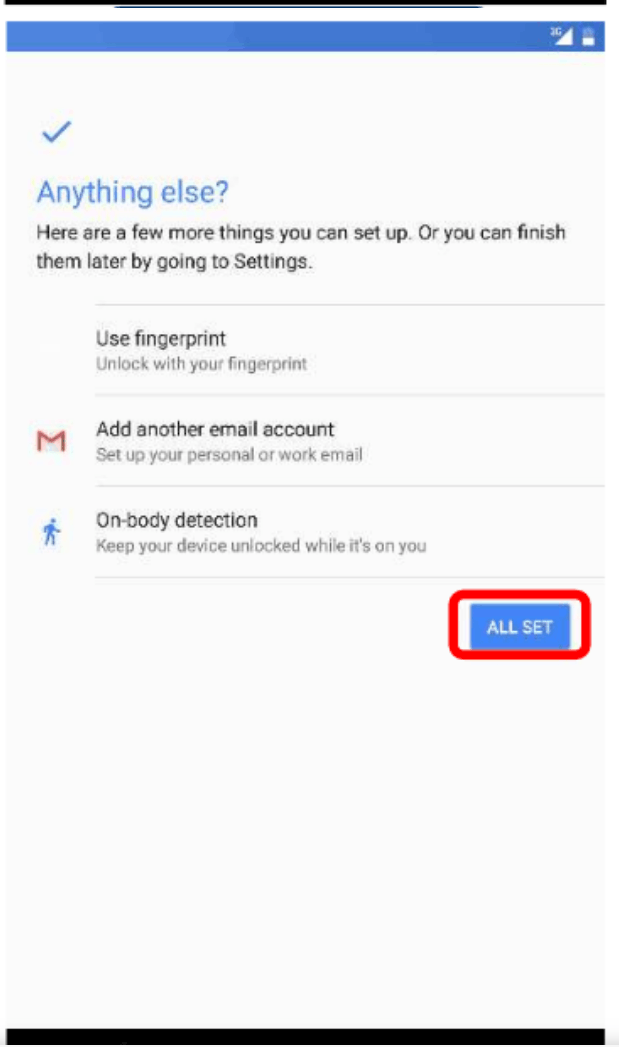
Set up Google and other services such as e-mail and security features. Once ready tap "All Set" to proceed.
-
Choose to login to your Google and Razer ID accounts.
-
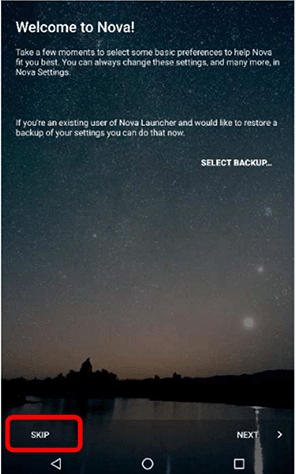
If you have a pre-existing Nova account from Nextbit, set up your previous account or create a new one.