
Connect the Raiju Mobile to your Phone to play mobile games with controller gaming experience.
Important: Make sure that you have fully charged the controller before proceeding.
Step-by-step process
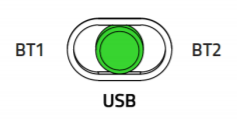
- Set the Mode Switch to "USB".
- Pull out the retractable phone grip, place your phone in, and adjust the grip and its viewing angle as desired.

- Use the USB Type-C to USB Type-C cable to connect your phone to the controller.
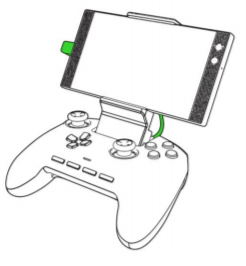
The status indicator will turn green indicating that the controller is now ready to use.

