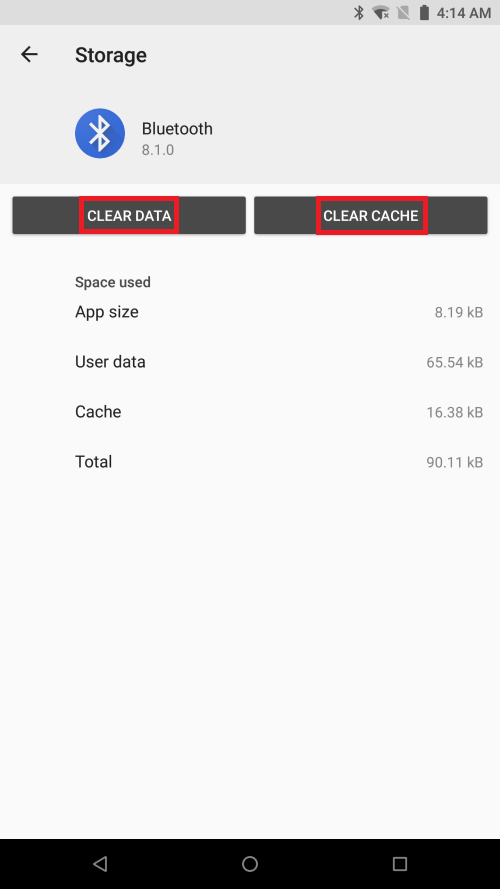
Follow the steps below to clear cache and/or clear data on a specific application:
Note: Clear Data permanently deletes the app's data. These include files, settings, accounts, database, etc.
-
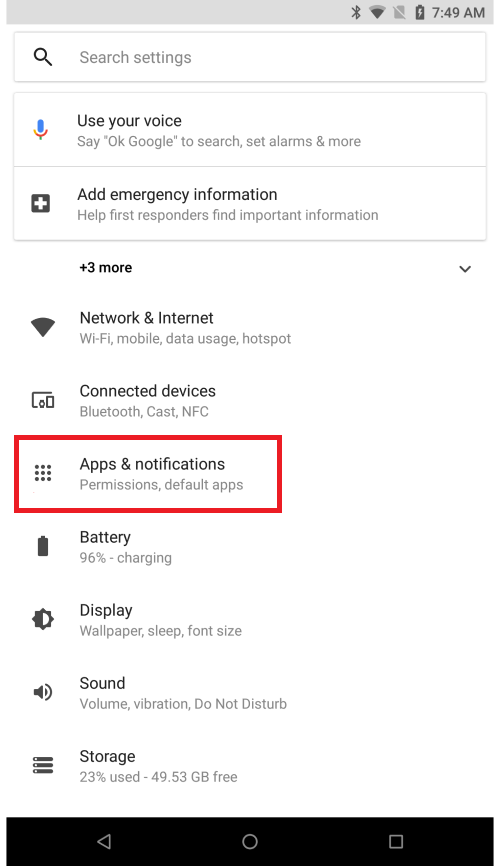
Go to "Settings" > "Apps & Notifications".
-
Tap "See All Apps".

-
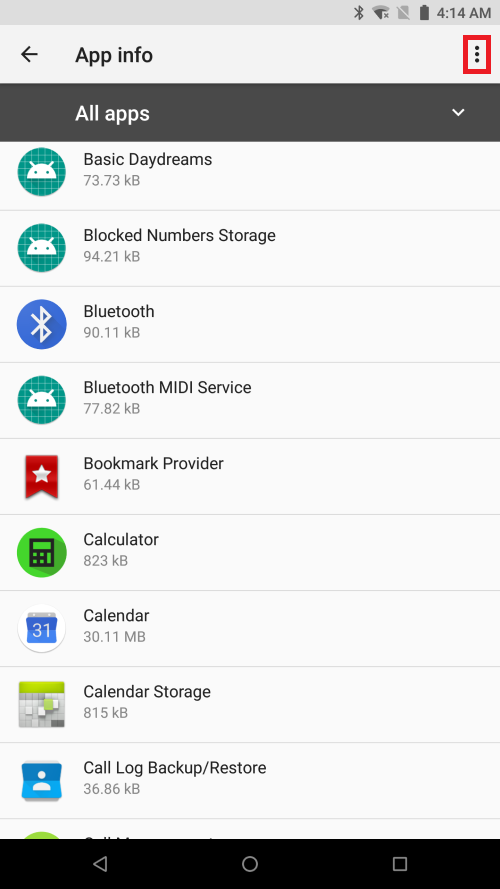
Tap the three vertical dots on the top-right corner.
-
Select "Show System".

-
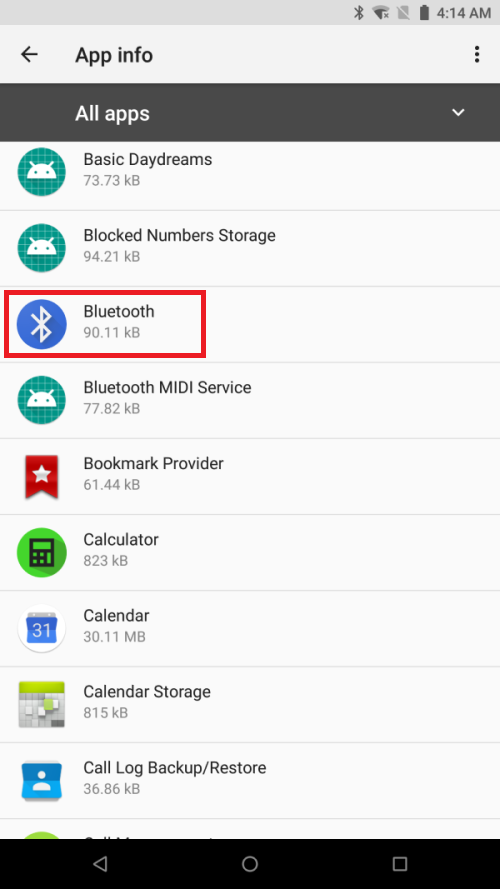
Search and select the app you wish to clear data/cache.
-
Tap "Storage".
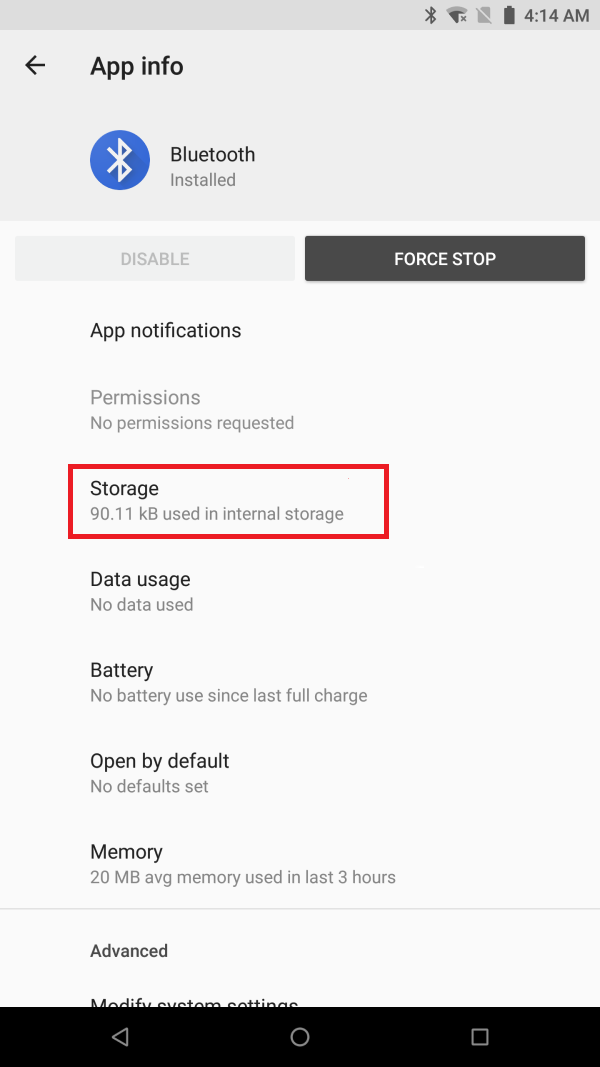
- Tap "CLEAR DATA" and/or "CLEAR CACHE".