
Applicable model:
Firmware v1.01 r2
-
https://rzr.to/kLliL | December 5, 2018
-
Fixed an issue where the keys would stick when:
-
Using the keyboard on a system with Synapse running.
-
Pressing “Win + L” to lock PC, and hold this key a little more time.
-
When unlocking the PC, the key “L” is stuck sometimes.
-
Follow the detailed instructions below to run the updater on your device.
Step-by-step Process
-
Download the latest firmware update by downloading the link found above.
-
Close Razer Synapse and all other running applications before proceeding with the update.
-
Run the downloaded firmware (The installer will prompt you to close Synapse and all other applications, if you have already done so, left click "OK" to proceed)

-
Connect the Razer Cynosa to your PC and click "UPDATE".
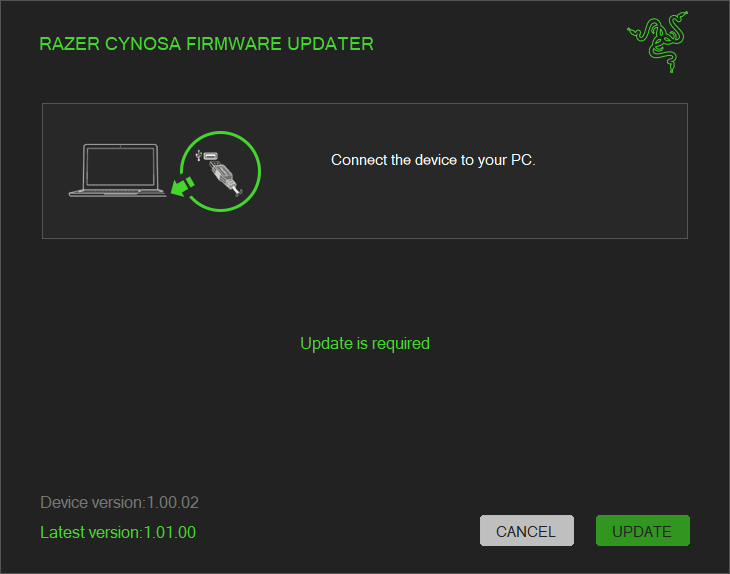
-
Wait for the update to complete.

-
Once the firmware has been successfully applied, left-click "CLOSE" to exit the installer.


