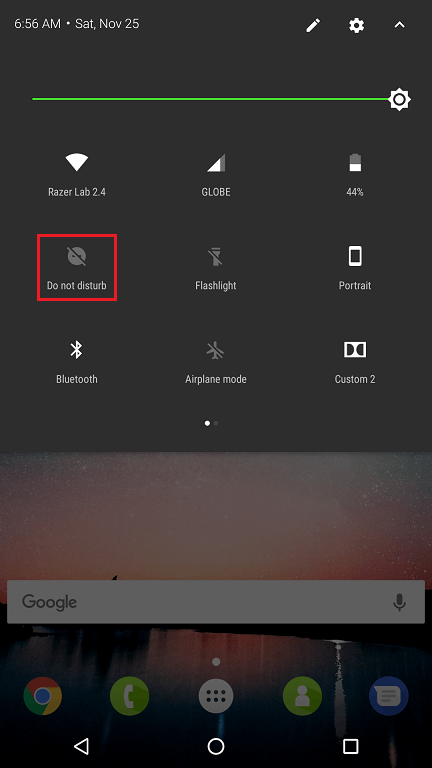
This issue has already been fixed by an update. Ensure your phone’s operating system is up to date. See How to check system updates on the Razer Phone.
If updating your OS is currently not an option, manually turn off "Do not disturb" mode before using your phone camera by pulling down the quick settings panel and switching the "Do not disturb" icon off.