
This article will guide you on how to get the latest system updates from Windows, troubleshoot common problems, and determine known issues on your Razer laptop.
Follow the detailed instructions below to update your Razer Blade's Windows OS.
- Press Windows key, and then go to Settings.

- Select "Windows Update" and click "Check for updates".

- If there is an available update, it will automatically download and install the updates.
- Install optional updates.
-
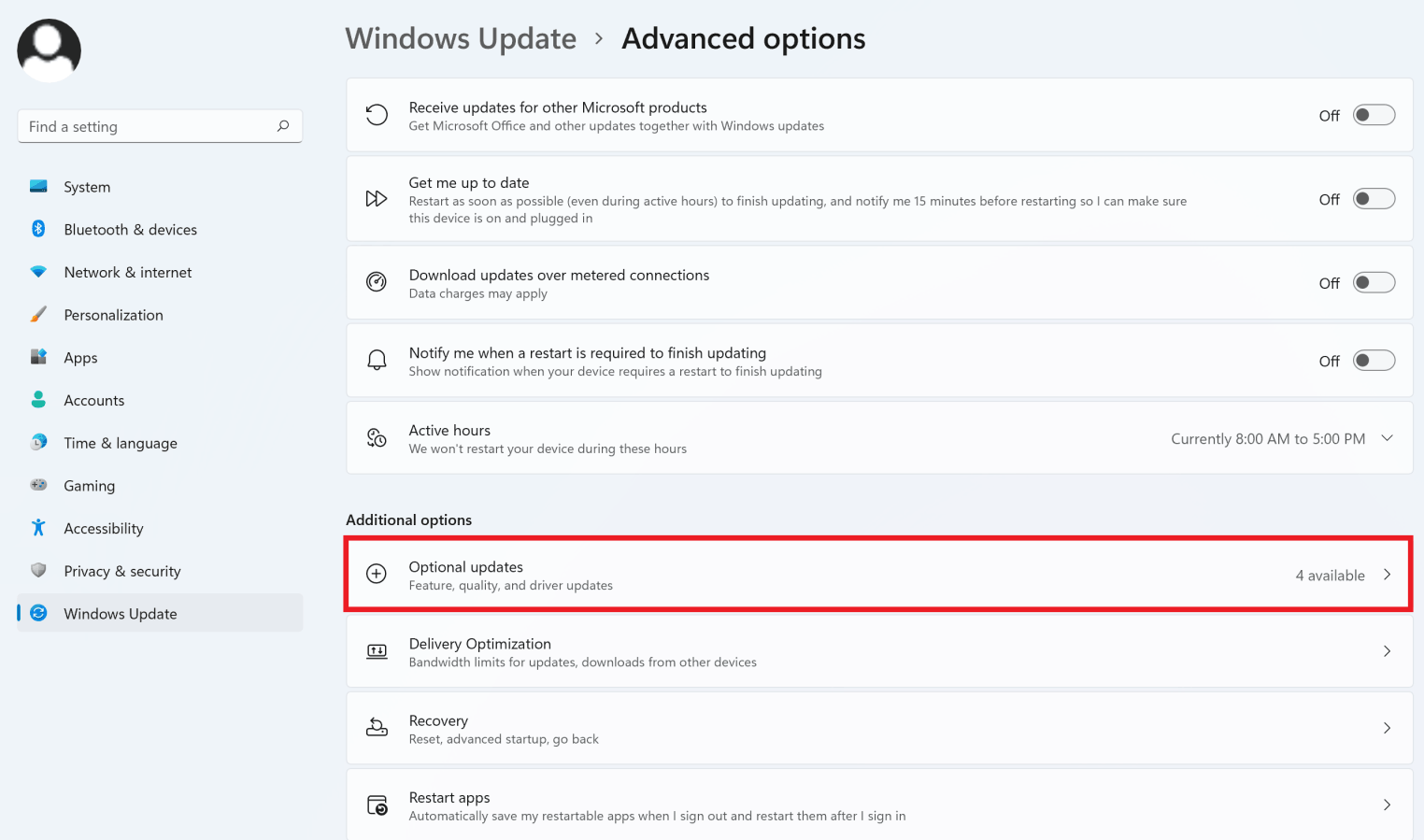
Select "Advanced options" under Windows Update.

-
Select "Optional updates".
-
Select all available updates and click "Download & install".

-
- Restart your computer to complete the installation.

