
Step-by-step process
Windows 10
-
Expand the system tray and right-click the speakers icon.
-
Select "Open Sound settings".

-
Under Input, select "Device properties".

-
Under Device properties, select "Additional device properties".

-
On the top menu, select "Levels".
-
Move the Vertical bars to adjust the "Microphone" and "Microphone Boost" accordingly.

Windows 11
-
Right-click the volume icon in the taskbar and select “Sound settings”.

-
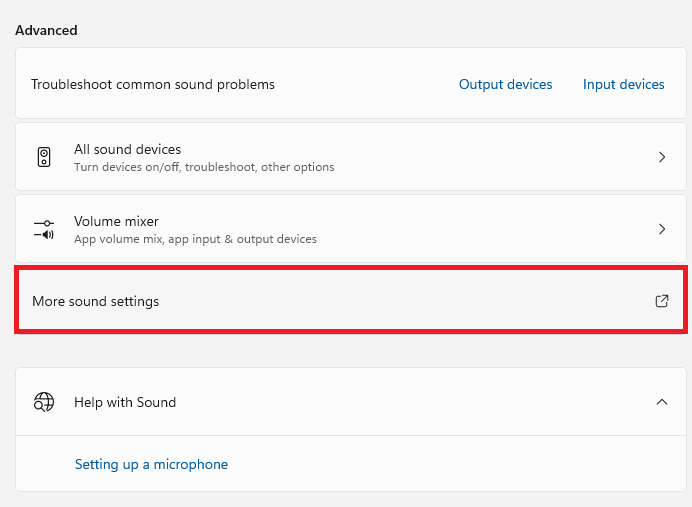
Select “More sound settings” under “Advanced”.
-
Select “Recording”.
-
Right-click on the “Microphone” tile and select “Properties”.

-
Click “Levels”.
-
Adjust the slider under “Microphone Boost” accordingly.

-
Click “OK”.

