Note: Live support for Razer Sila is no longer available. Please refer to our knowledge base or Insider Forum for support.
Always check and keep the firmware version of your Razer Sila up to date for optimal performance.
Follow the steps below to check the firmware version of your Razer Sila:
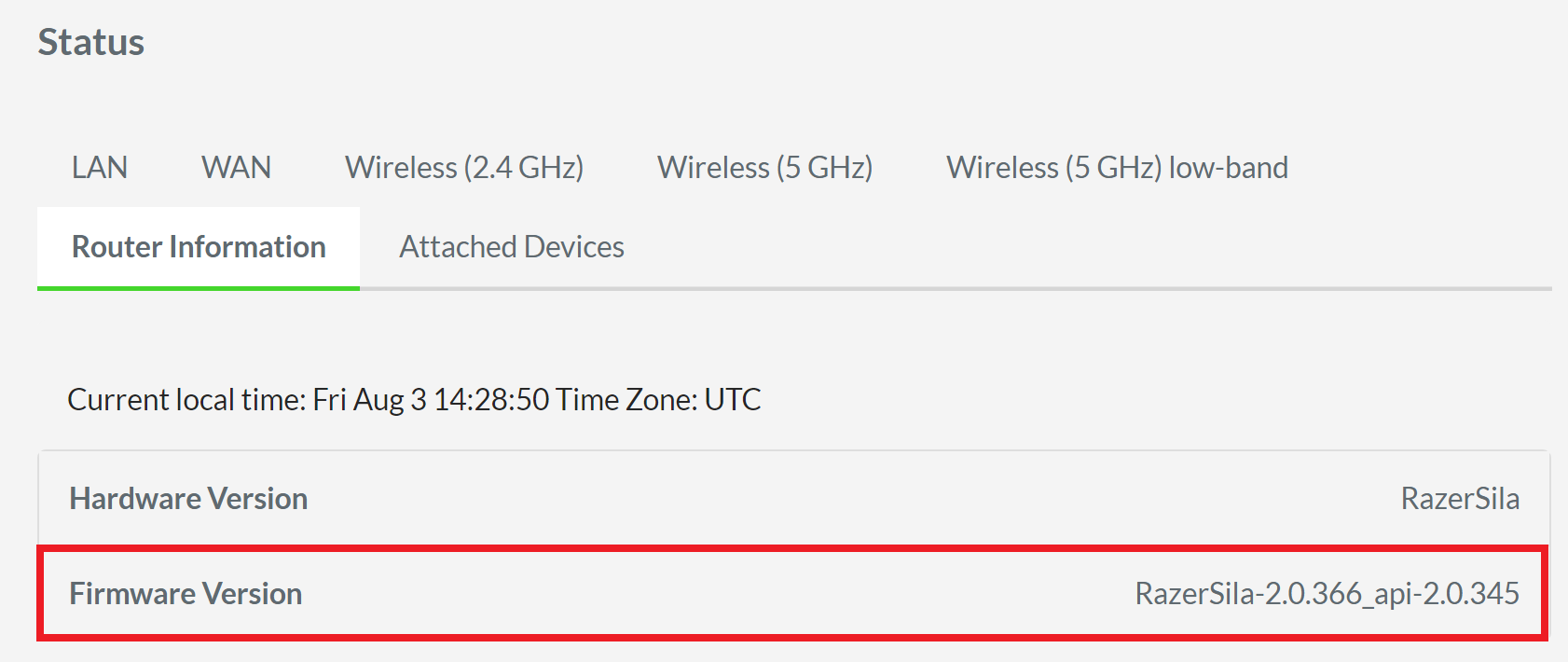
- Access the web UI of the Razer Sila and go to “Status”.

- Click the “Router Information” subtab.

- Look for the “Firmware Version” among the router information displayed on the table.