
Step-by-step process
-
Go to Settings > Network & internet > Mobile network > Advanced.

-
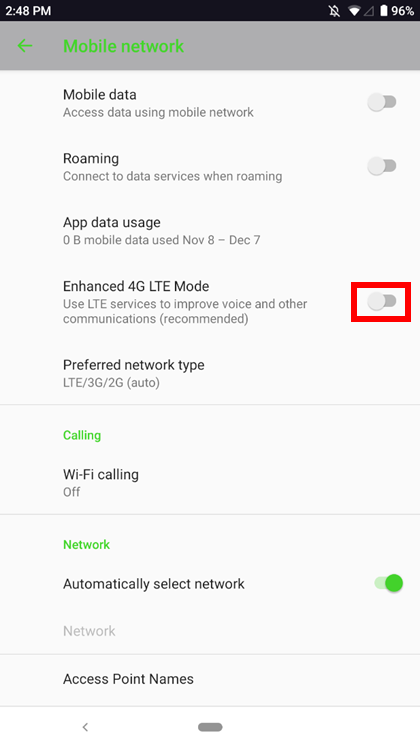
Toggle on “Enhanced 4G LTE Mode”.
-
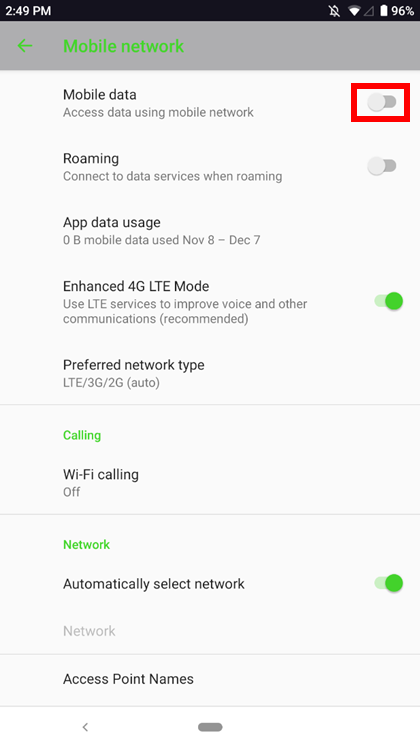
Toggle on and off “Mobile data”.
-
Wait for 30 seconds or restart the phone.
-
Check if you can receive or make an outgoing call.

