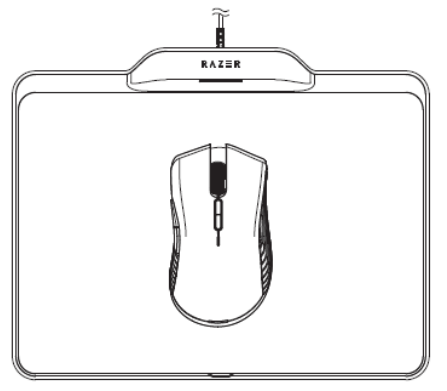
The Razer Mamba Hyperflux features a battery operation powered wirelessly through the Razer Firefly Hyperflux.
Below are the steps to set up your Razer Mamba Hyperflux to wireless mode:
- Place the Razer Firefly Hyperflux on a flat surface. Ensure the guidelines below are met.
- The surface is not made of metal or any metallic material.
- The surface has no metal and metallic materials underneath it.
- There are no objects made from metal or metallic materials or signal emitting gadgets on top of the surface or 20cm or 8“ around your Razer product.
- There is no other Razer Firefly Hyperflux within 1 meter of the surroundings.
- The Razer Firefly Hyperflux is not placed within 1 meter of a Wi-Fi router.

- Plug the USB to Micro-USB cable from the Razer Firefly to your computer.

- Place the Razer Mamba Hyperflux onto the Razer Firefly Hyperflux. Ensure the Razer Mamba Hyperflux is within the mat’s surface area to receive adequate power.