
If the Window Camera App does not launch after the Windows 1903 update, perform the troubleshooting steps below:
-
Click on the Start button and search for "Camera".
-
Right-click on "Camera" and select "App Settings".

-
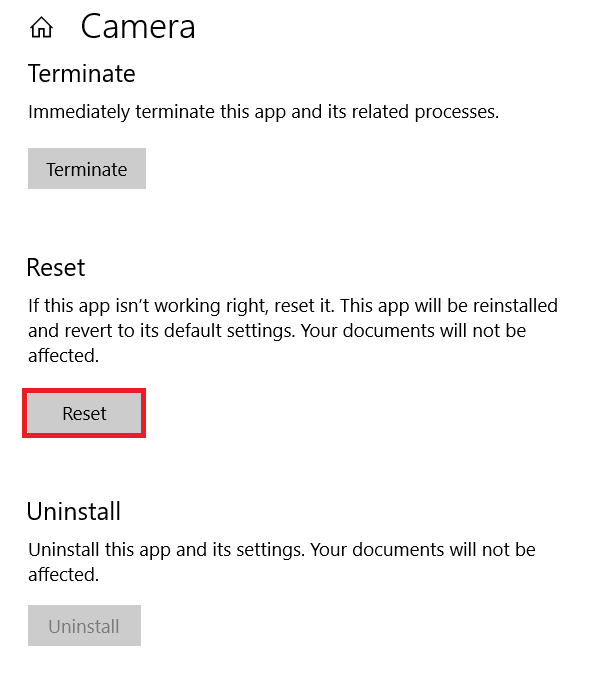
Scroll down and select "Reset".
Note: This will delete the app's data including preferences and sign-in details.
-
Launch the Camera app.

