
Note: The Razer Sila app will no longer be usable after the 16th of October 2024. Live support for Razer Sila is no longer available. Please refer to our knowledge base or Insider Forum for support.
QoS stands for Quality of Service. In computer networking, it refers to traffic prioritization and resource reservation control mechanisms.
Due to Quality of Service (QoS) recognition engine limitations, it is unable to detect the LAN port of the Razer laptops. Manually change the configuration to leverage a gaming status for the device during the device prioritization to resolve this issue.
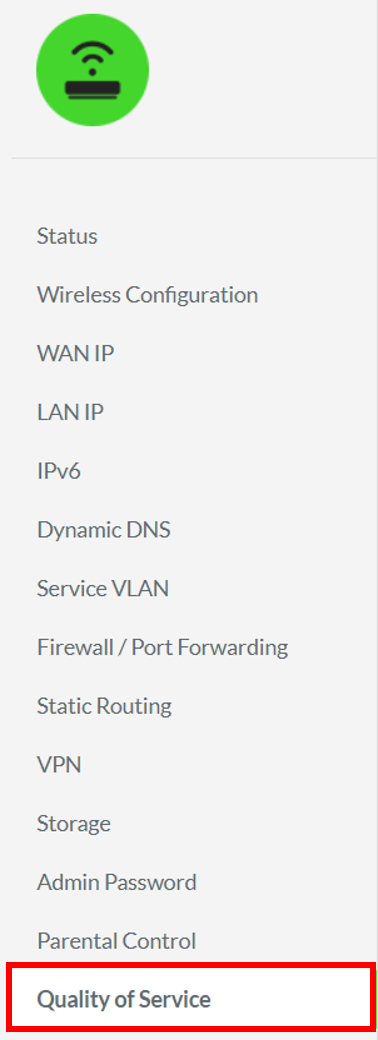
- Go to “Quality of Service” menu in the Razer Sila web UI.
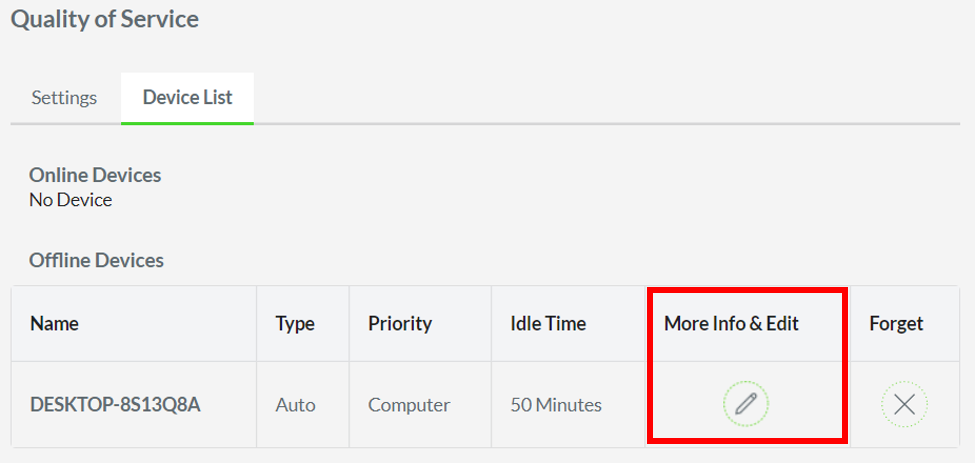
- Click on “Device List”.

- Click the “More Info & Edit” icon.
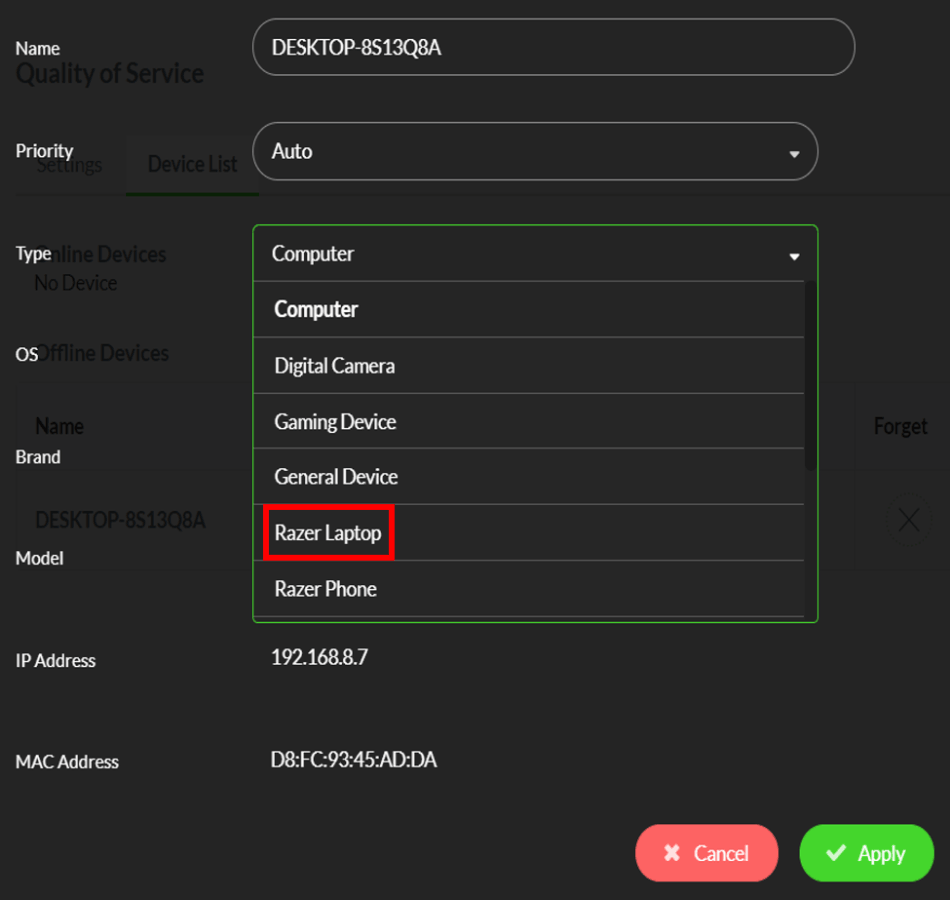
- Select the “Razer Laptop” as the Type.
- Click “Apply”.
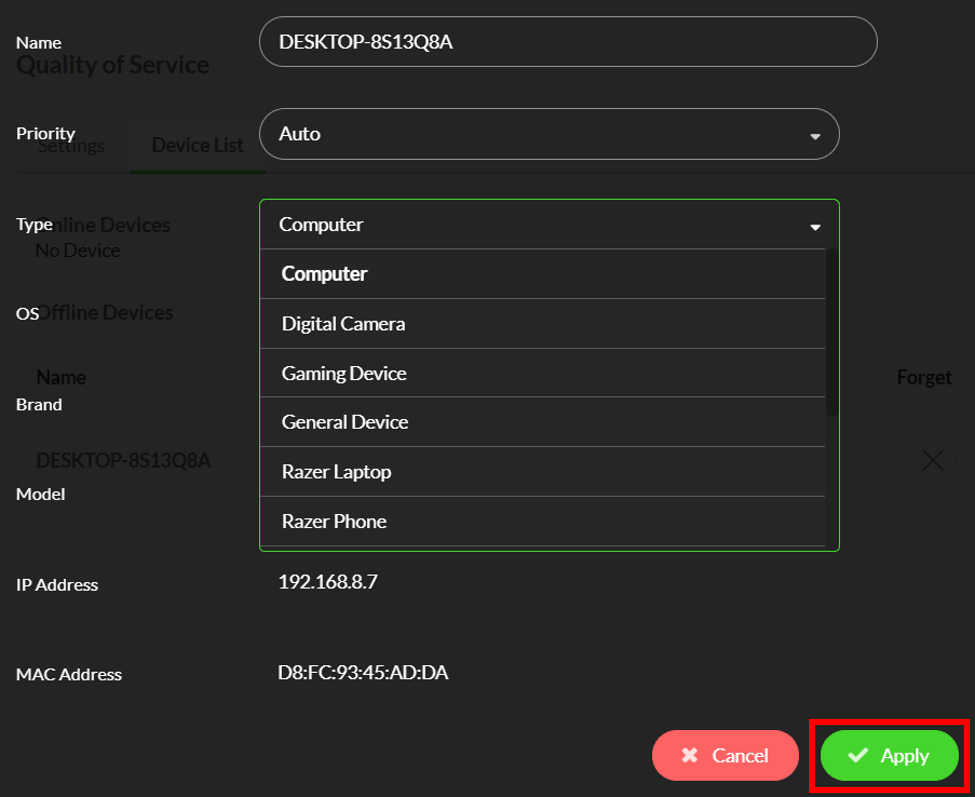
The Razer Laptop will then be given the highest priority.

