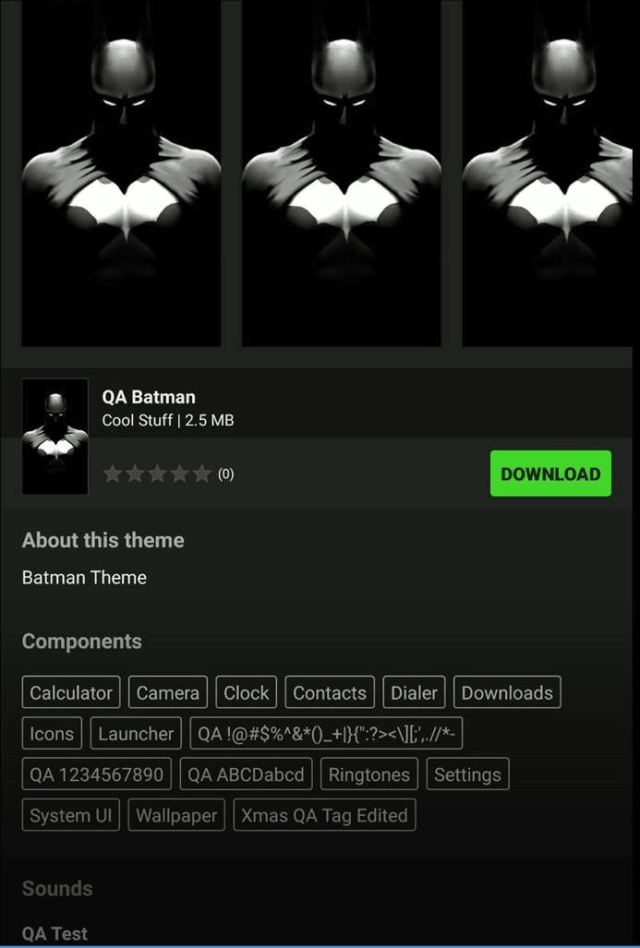
If you have experienced an issue with the Razer Phone Theme store not downloading the theme you have paid for, ensure that the Razer Phone is up to date. This rare instance happen if the connection to the network is not strong.
Ensure you have a strong network connection and follow the steps below to resolve the issue.
-
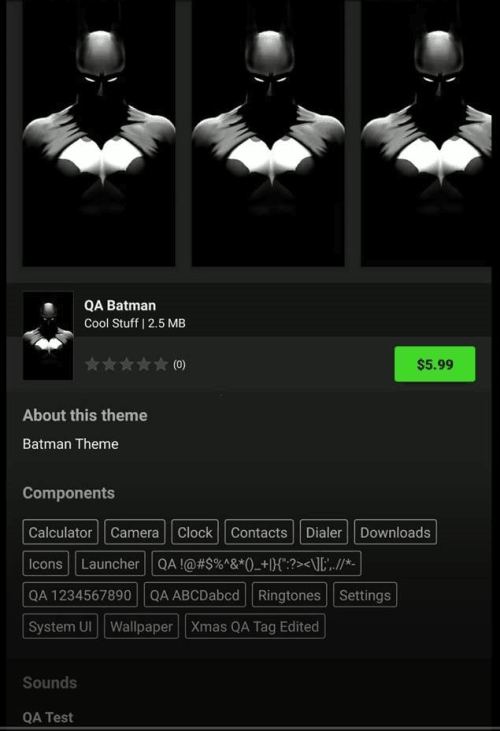
Navigate the app and select a theme of your choice.
-
Tap "BUY".

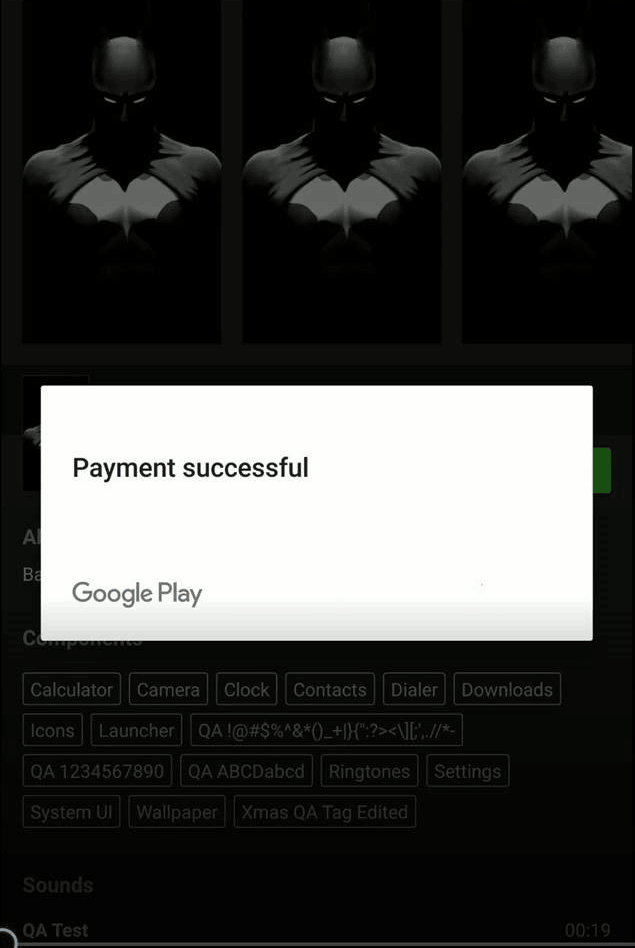
You will receive a confirmation message once the purchase has been made.
-
If the purchase the theme does not download, press the back button on the Razer Phone.
-
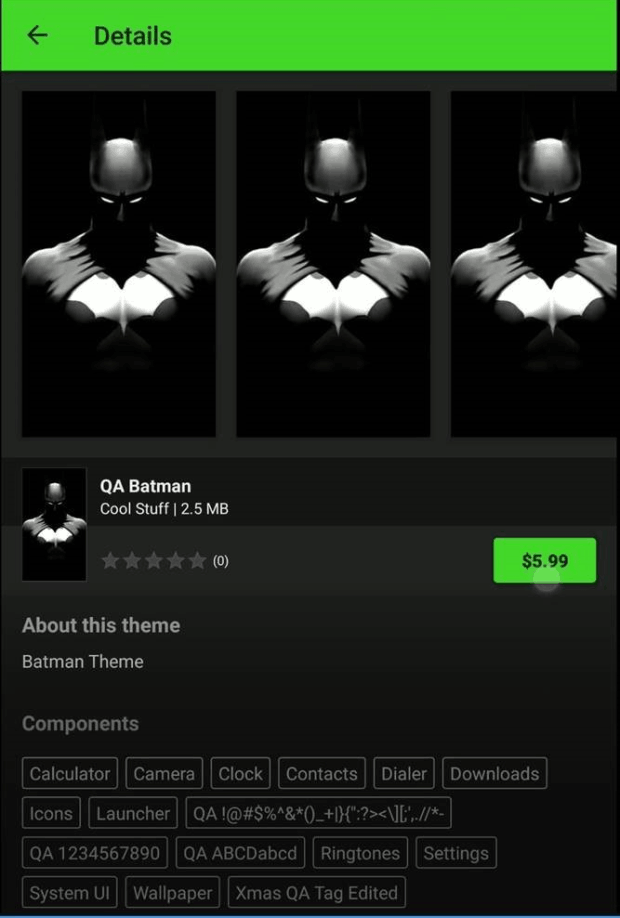
Select the theme you have recently purchased again to refresh the page
-
Click the download button.