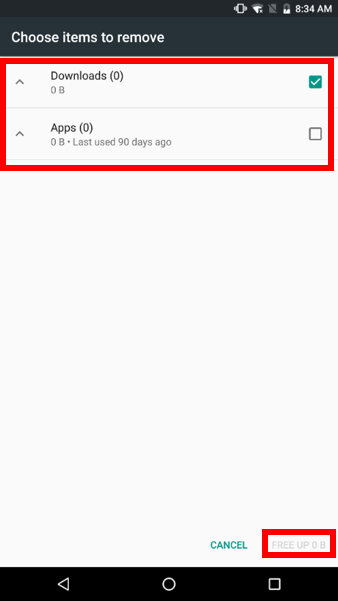
Low-storage is one of the most common causes why a device lags. Some devices start to lag when 80% of the storage capacity is used. This issue can possibly occur on the Razer Phone.
Important:
-
The steps below will delete your saved files within the selected item.
-
Backup photos, videos, and other important files before proceeding.
-
The steps and screenshots below vary depending on the OS version you are running.
Step-by-step process on how to free up storage space on the Razer Phone using Android Oreo
-
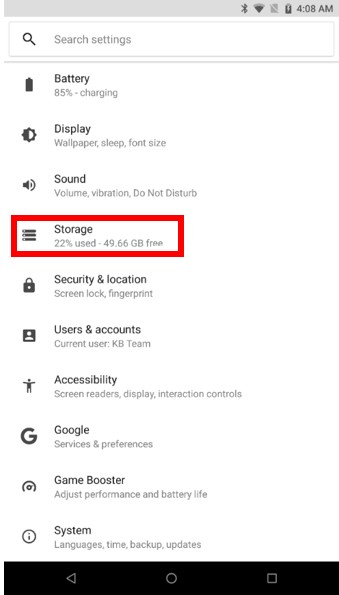
Go to "Settings" and tap "Storage".
-
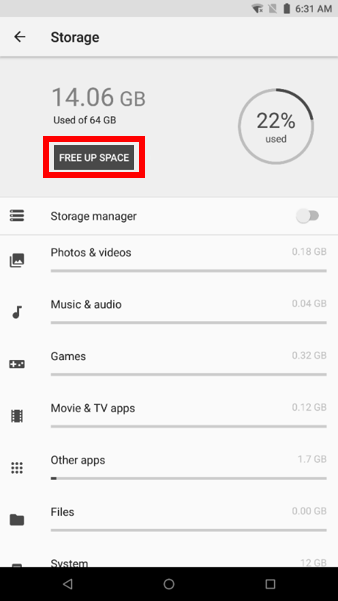
Tap “FREE UP SPACE”.
-
Select the items you wish to delete and tap “FREE UP".