
This error occurs when your main sign-in account email and recovery email are the same. Change your recovery email to a different email.
-
Go to https://razerid.razer.com/ and log in to your Razer account.

-
Click “Recovery Email” under Security.

-
Check your email for the two-step authentication code.
-
Enter the code you received, then click “NEXT”.

-
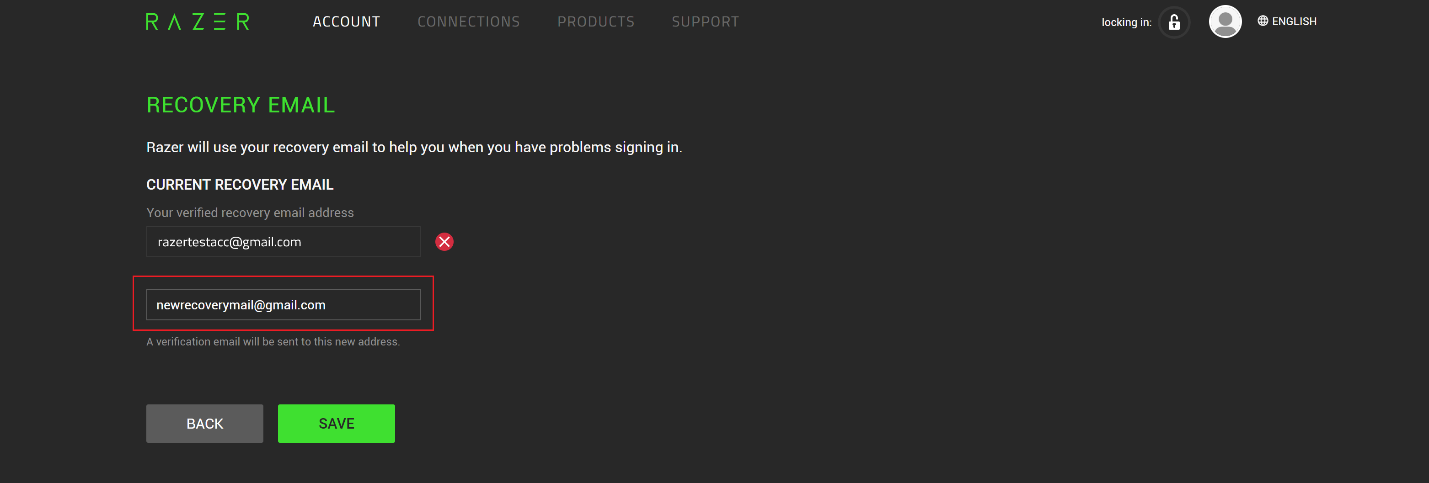
Enter a new recovery email on the Recovery Email form, then click “SAVE”. Ensure this is not the same as your main email.
-
Click the verification link or paste it into your browser to verify your email.

Your email has been successfully verified! You can now log in to Razer Synapse using your primary email address.

