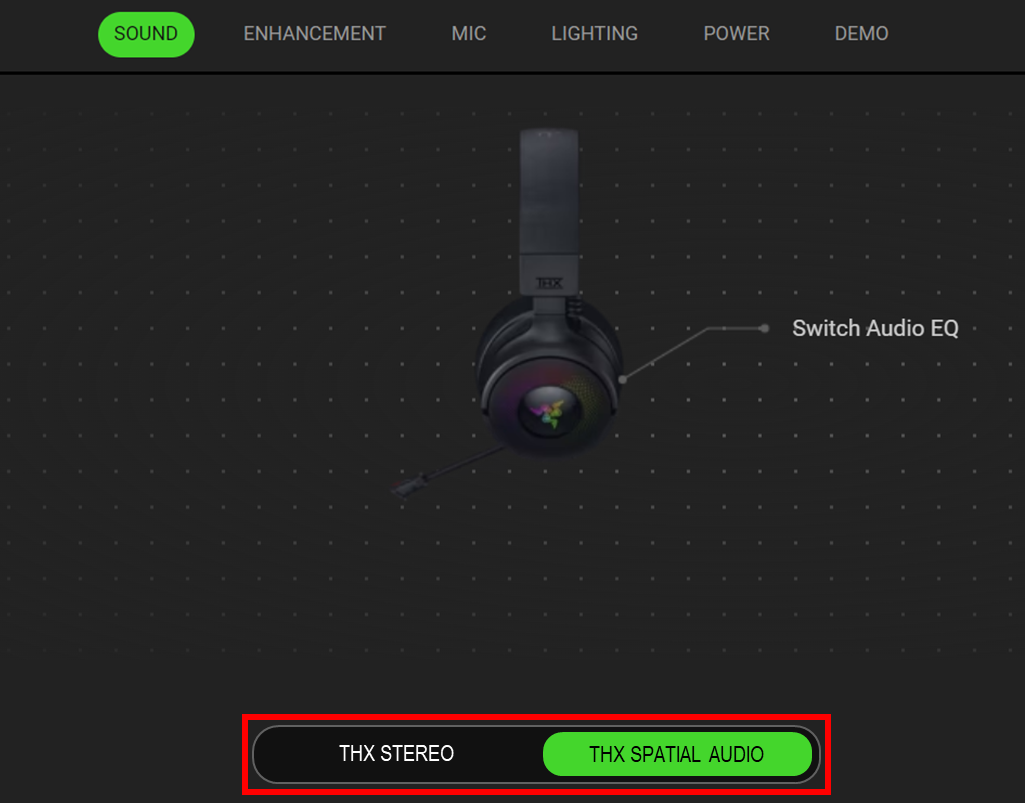
Here is a step-by-step process on configuring and enabling THX Surround Sound for a Razer Nari Ultimate headset.
Important:
- Uninstall Razer Synapse if it is installed on the PC.
- Ensure the Razer Nari Headset is charged to full capacity. A depleted unit will fully charge in about four hours.
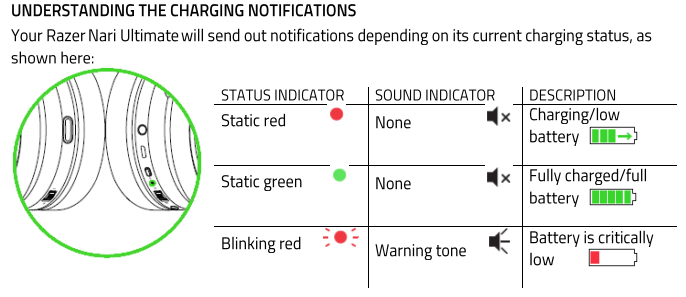
- Connect the headset’s wireless dongle to your computer.
- Download and install Razer Synapse.
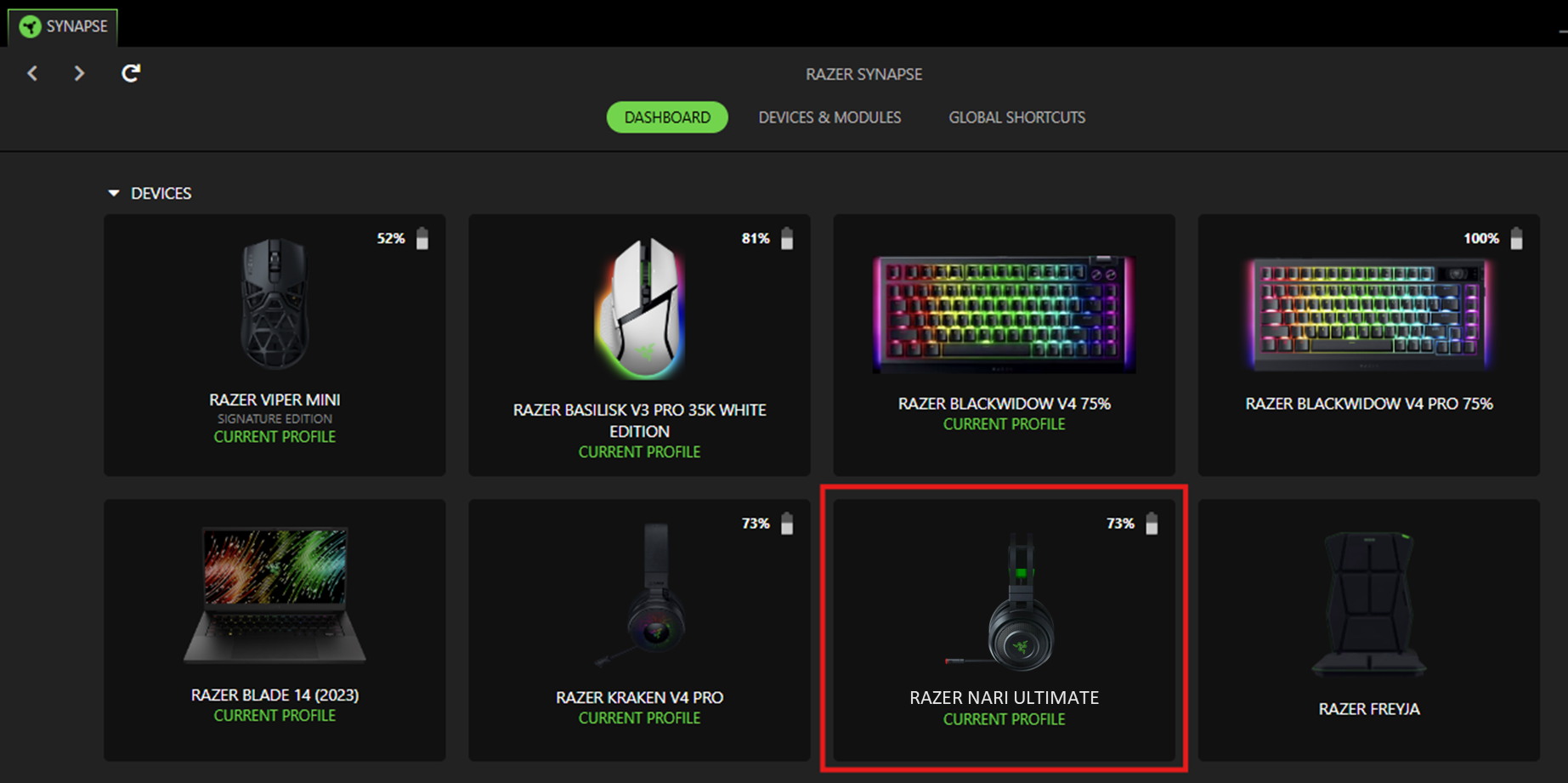
- Select the Razer Nari Ultimate on Razer Synapse.
- Navigate to the “SOUND” Tab.
- Toggle from “STEREO” and “THX SPATIAL AUDIO.”