
Registering your new Razer product to your Razer account rewards you with Razer Silver that allows you to purchase Razer's limited edition accessories, peripherals, and games. It also records your devices to our system for faster support resolutions.
You can view the video below for instructions or review a copy of the video transcript.
Follow the steps below to register a new Razer product in Razer Synapse.
- Sign in with your Razer ID.
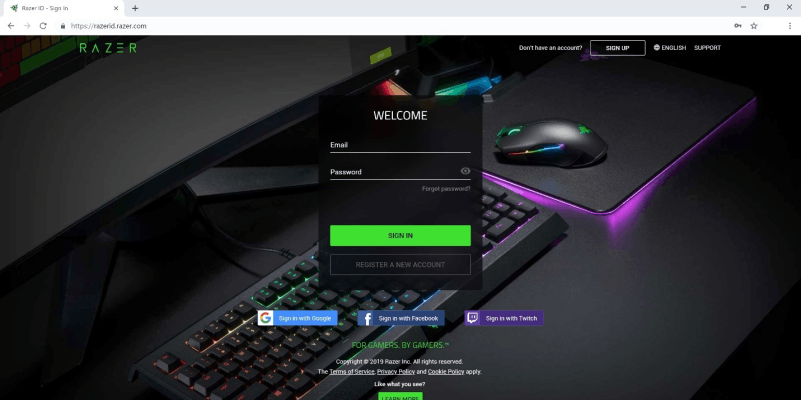
Note: If you are already logged in, it will redirect you to https://razerid.razer.com/products, and you can proceed to step 2.
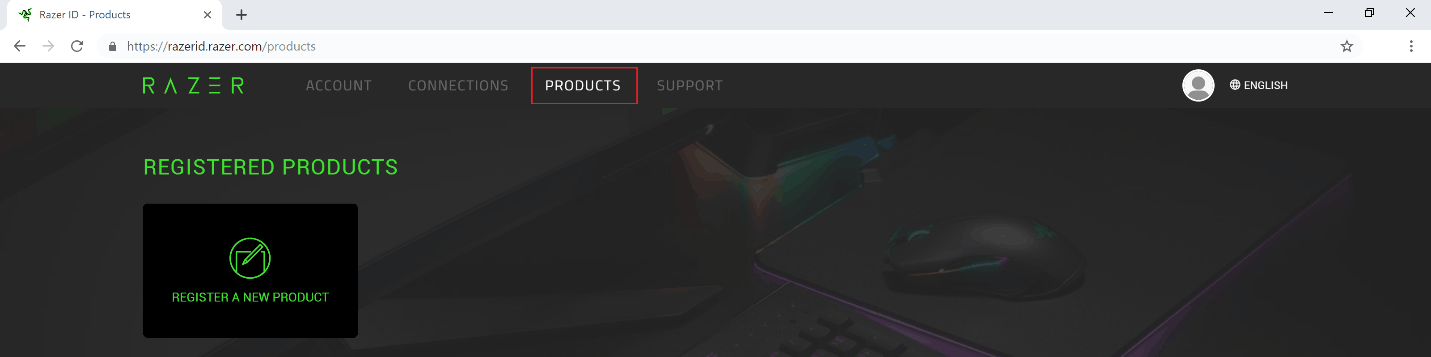
- Click on the “PRODUCTS” tab once you're logged in.
- Click on “REGISTER A NEW PRODUCT”.
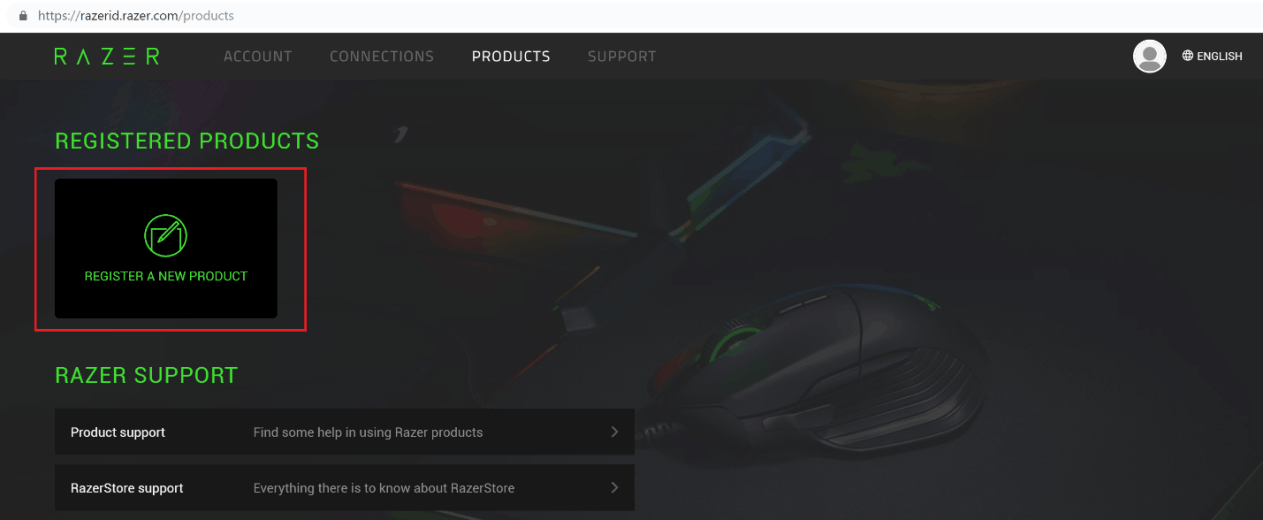
- Follow the step-by-step process of registering your Razer product.

