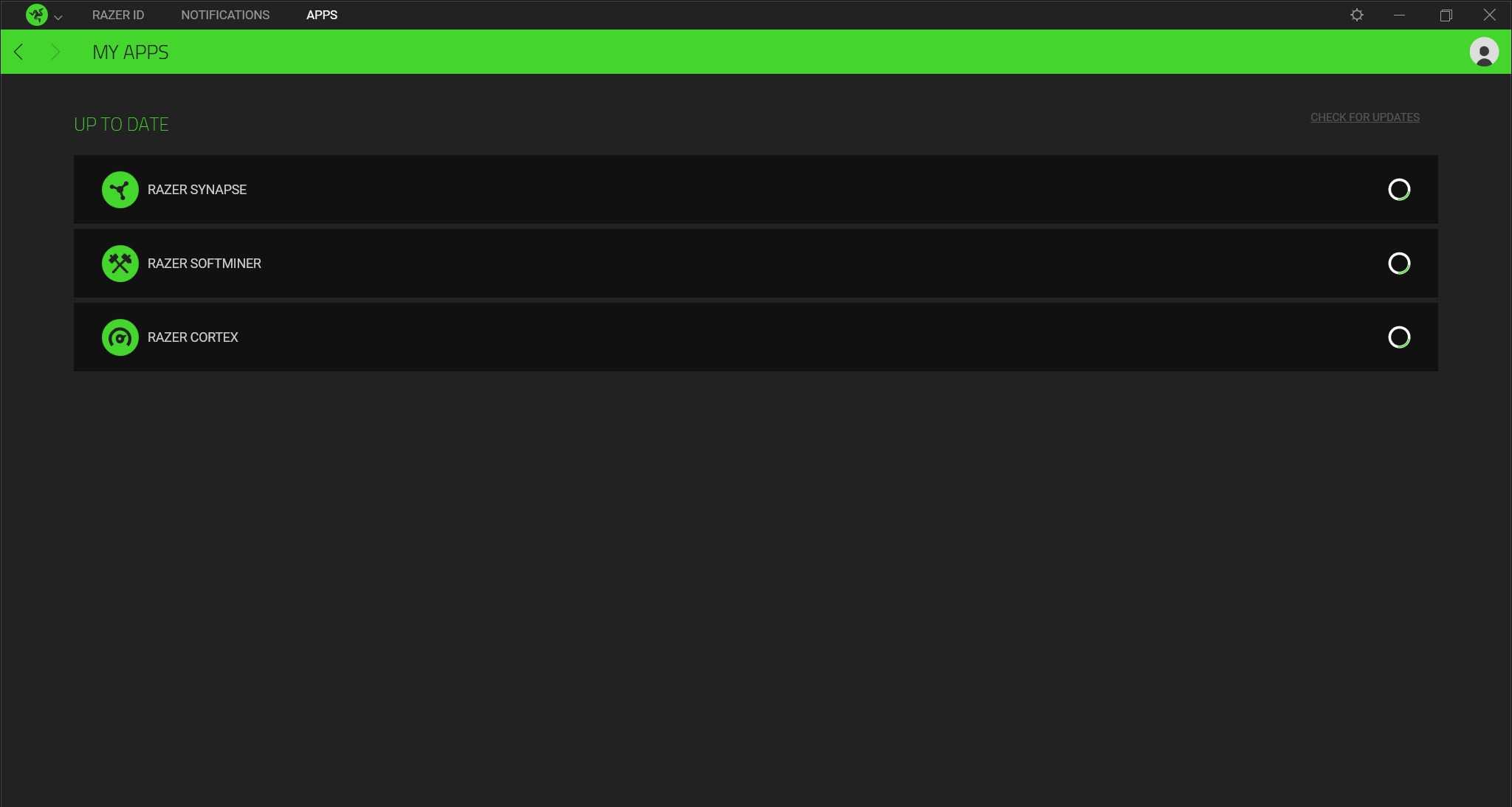
See the step-by-step instructions below on how to manually check for updates on Razer Central.
-
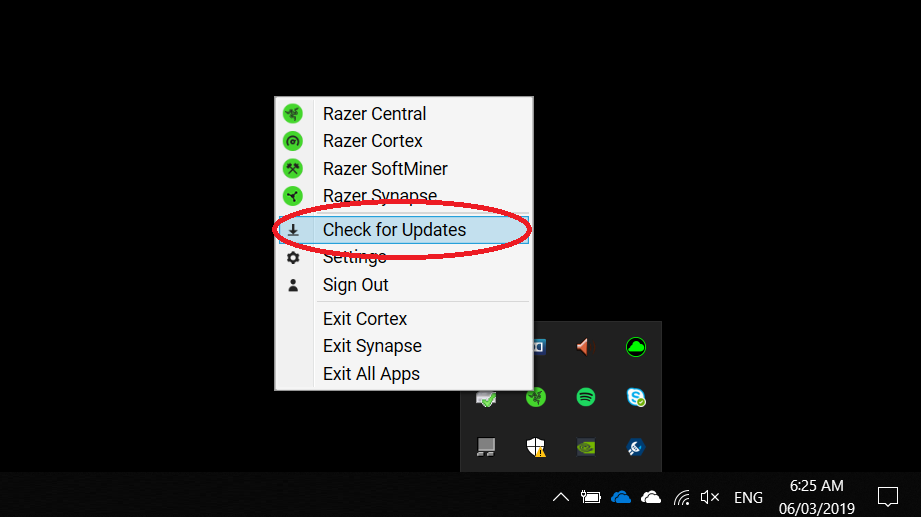
Expand the system tray by clicking the arrow found on the lower right side of your desktop.
-
Click on "Check for Updates".
Razer Synapse will check for updates.
-
Click "Update" to install if a new update is available.