Note: Live support for Razer Sila is no longer available. Please refer to our knowledge base or Insider Forum for support.
Intermittent connection with mesh setup is commonly due to a firmware update specific to the RazerSila-2.0.411_api-2.0.38 version. Its indication is the Razer Sila logo light turning red, sometimes alternating between red and blinking blue. If this occurs, a power cycle is needed to resolve the issue.
Follow the steps below to perform a power cycle:
-
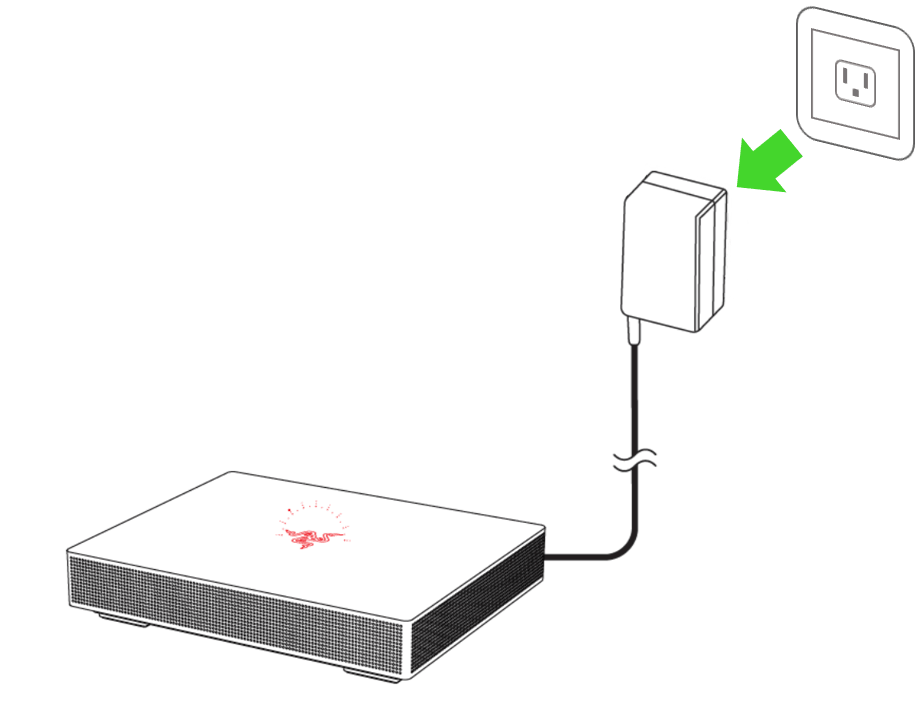
Unplug the power adapter for about 10 seconds.
-
Plug the power adapter back in. The status indicator will light up in red to show that the router is currently offline and will blink in blue to show that the router is connecting to the internet.

-
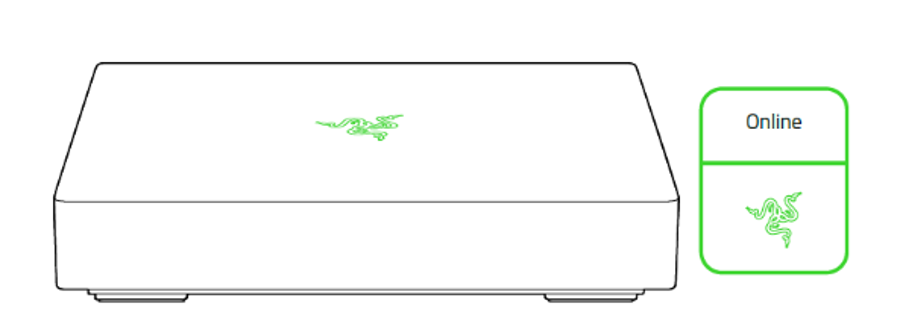
Wait for the status indicator to light up in green, indicating that the router is now online.