
The following steps will guide you in setting up your Razer Atrox on Xbox 360:
- Press the Compartment button to unlock the lid.

- Lift the lid to access the multipurpose compartment.
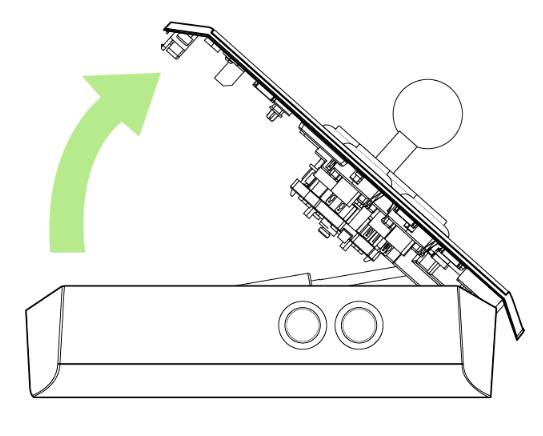
- Take out the Detachable Cable with the attached Breakaway Cable.

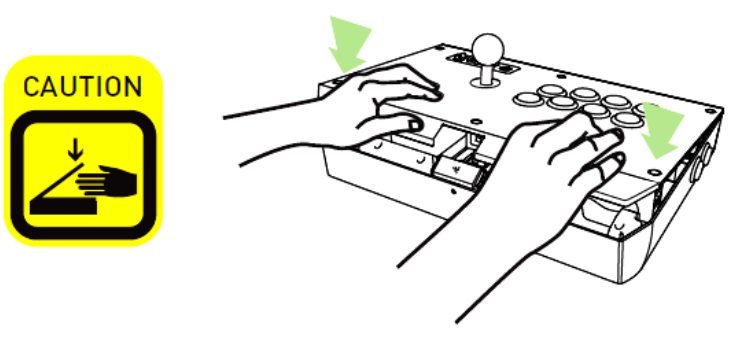
- Place both hands on the edge of the lid and push down to close and lock the lid.
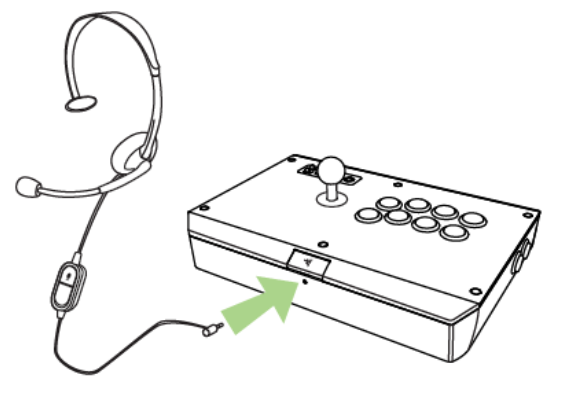
- Connect your Xbox 360® Headset to the 2.5mm Headset Port (Optional).
- Ensure the pins are aligned properly when inserting the cable to the controller’s port.

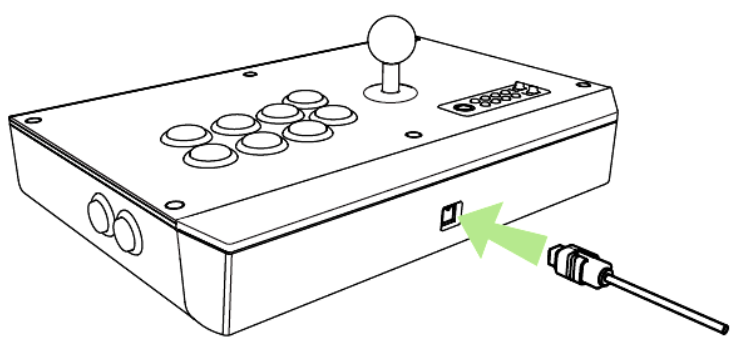
- Connect the Detachable Cable to the back of your Razer Atrox.
- Hold the cable grip firmly to remove the Detachable Cable, and then pull.


