
Applicable Model:
If Razer Kiyo is detected by Razer Synapse but the camera preview and other settings are disabled, your system has not recognized it as a camera.
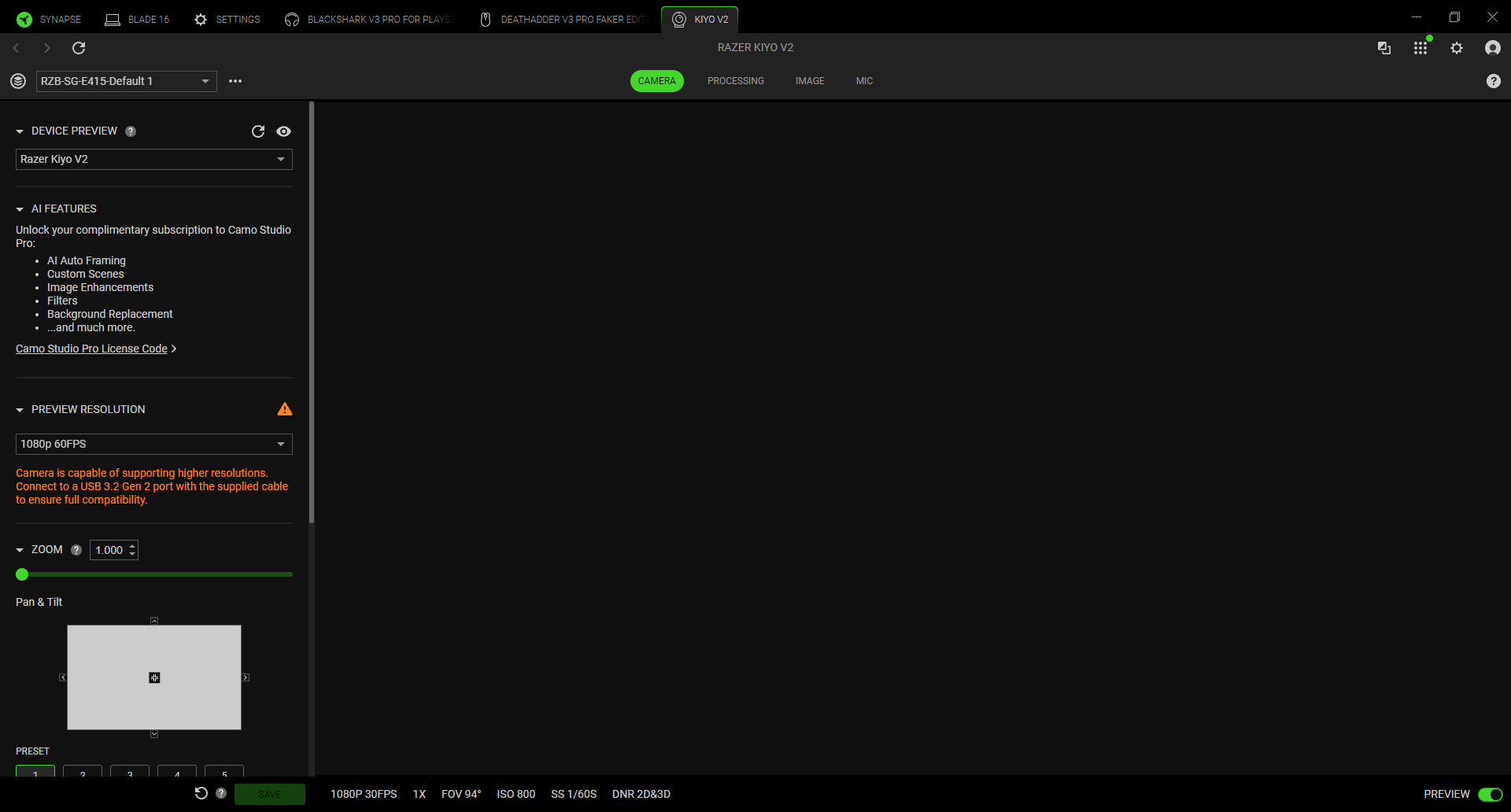
Follow the detailed instructions below to fix 'Preview Disabled' error from a Razer Kiyo.
-
Go to the Device Manager and look for "Razer Kiyo" under the other device categories.
-
Right-click on the Razer Kiyo and select "Uninstall Device".
-
Check the "Delete this driver software for this device" and proceed with the uninstallation.
-
Unplug and re-plug the Razer Kiyo into your system.
-
In Device Manager, click "Action" > "Scan for hardware changes".
-
Check if the Razer Kiyo has now been recognized as a camera.

