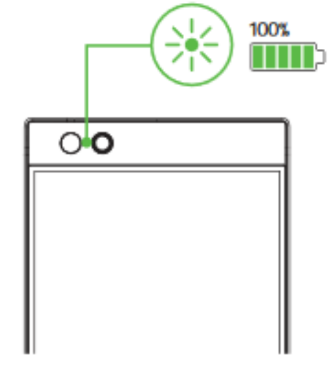
Charging your Razer Phone should be done as soon as you notice that the battery is down to less than 20%. This will prevent the phone from ending up with an empty battery just when you needed it most. Follow these steps on how to properly charge your Razer Phone.
-
Plug the USB-C charger and connect it to a power source.

-
Once the phone is receiving power, a dynamic battery charging icon should appear.
-
Unplug the USB-C charger from the phone when the battery icon is full and the icon should disappear.