How to set up the Razer Panthera Evo

| Answer ID: 1920
This article is a guide on how to set up the Razer Panthera Evo.

To set up your Razer Panthera, follow the steps below:

  1. Open the cable compartment and take out the Razer Panthera Evo's USB cable.
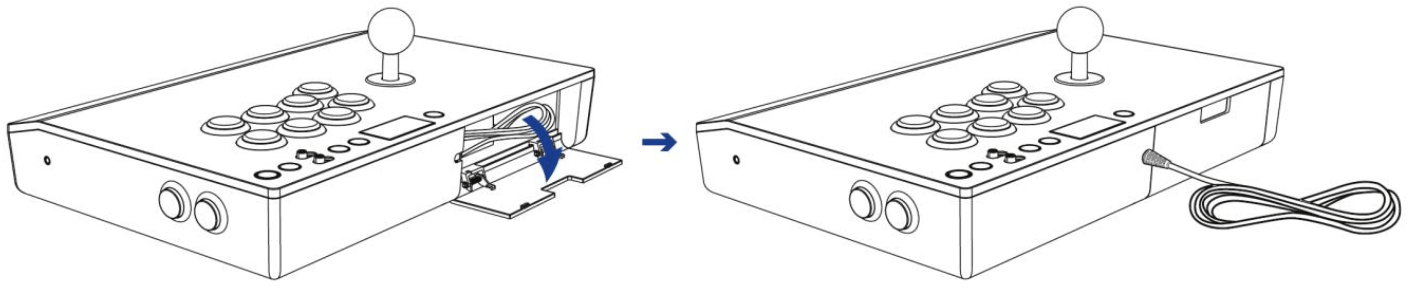
    Illustration showing the USB cable being taken out from the compartment of Razer Panthera Evo

  2. Connect the Razer Panthera Evo to the USB port of your PlayStation®.

    Illustration showing the USB port at the back of the Razer Panthera Evo

  3. Press the PS button and your Razer Panthera Evo is ready to go.

    Illustration showing the PS button of the Razer Panthera Evo

Is this answer helpful?