
Step-by-step process
-
Press the 5-way menu joystick at the back of the lower-right side of the monitor.
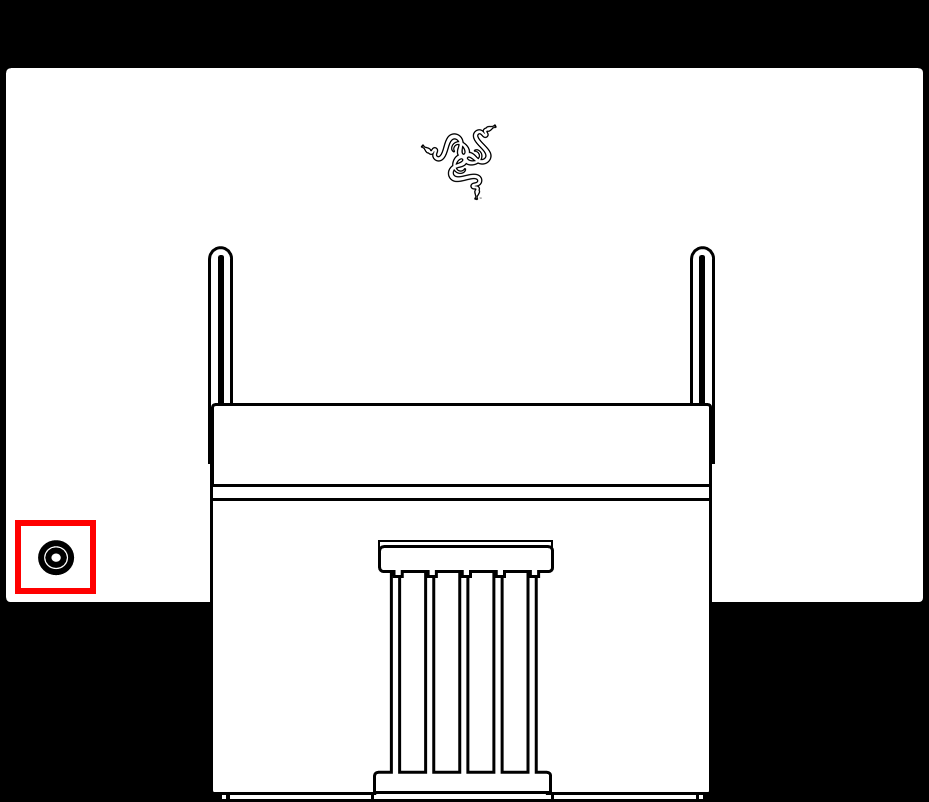
The OSD will appear on the lower right corner of your monitor.
-
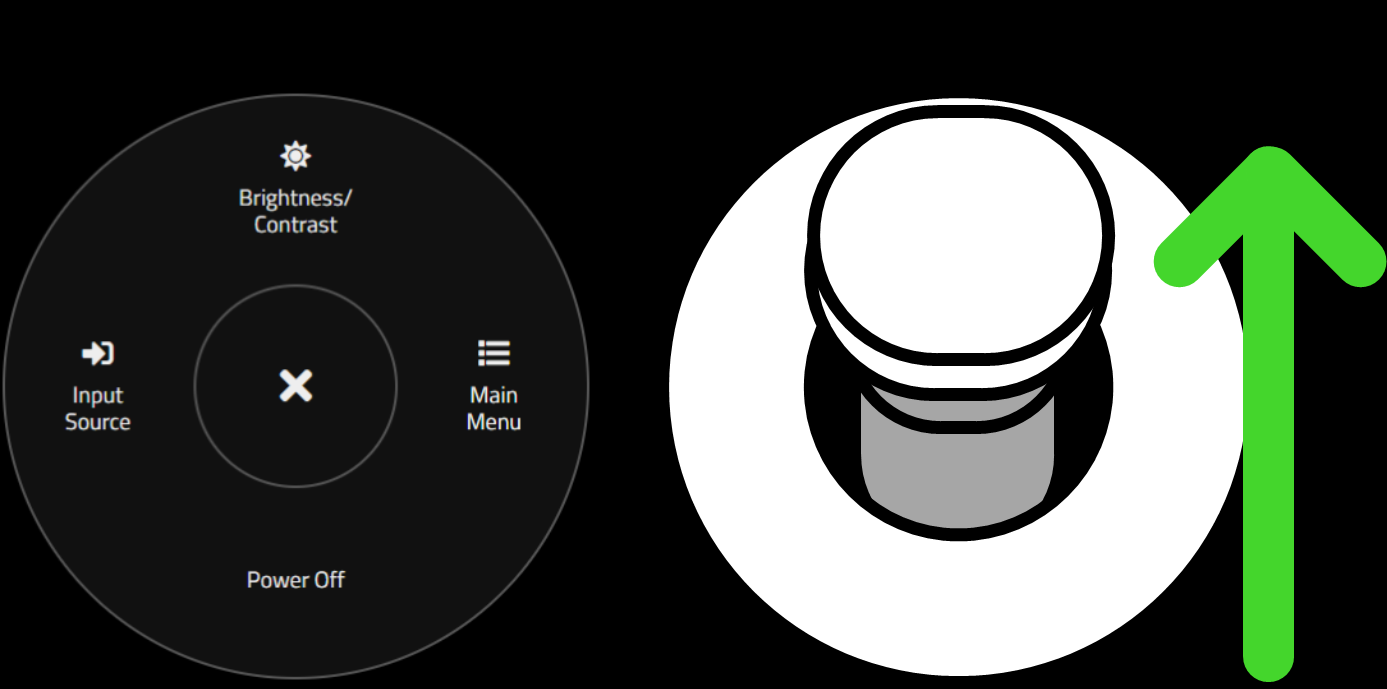
Tilt the joystick upward to open “Brightness/Contrast”.
-
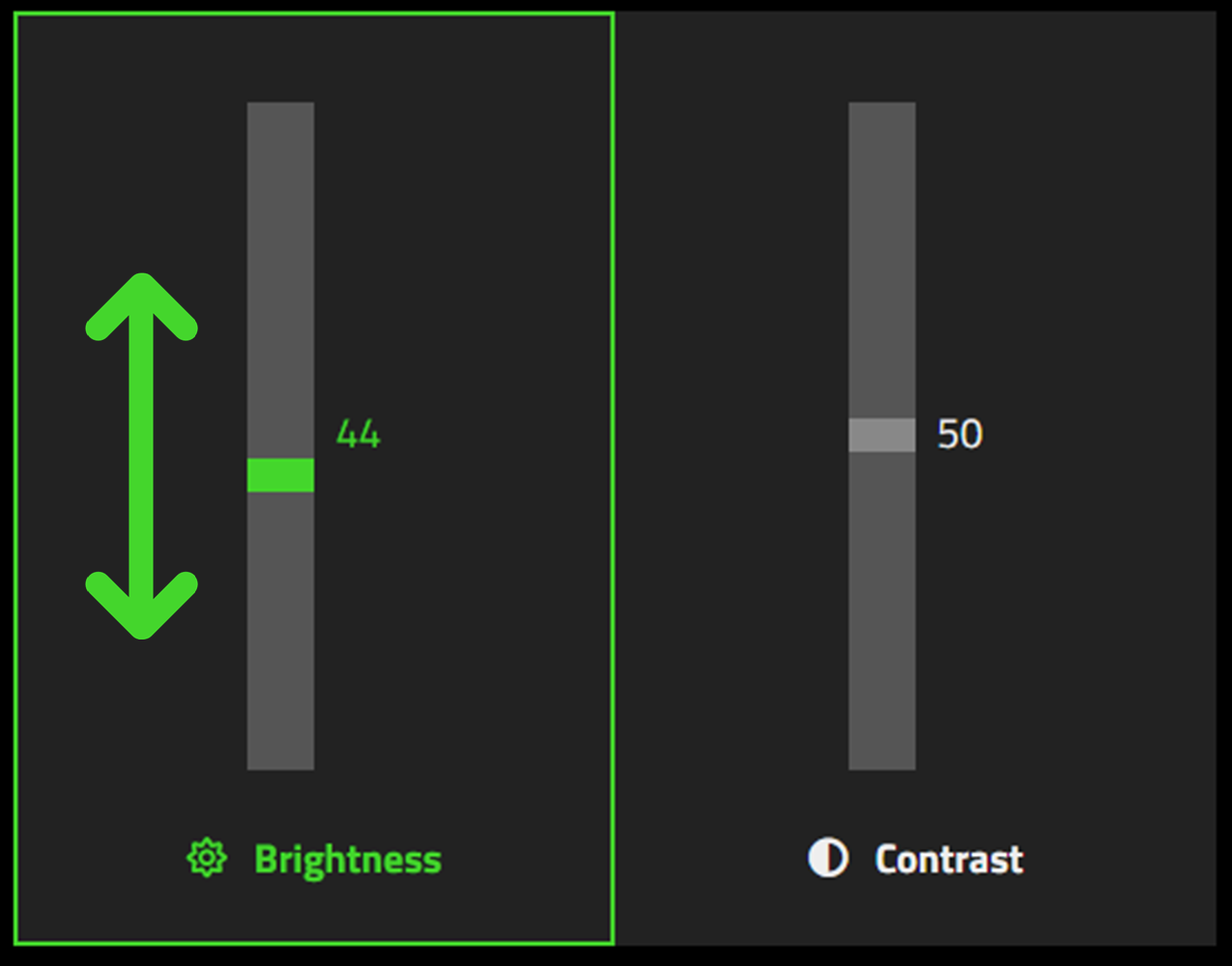
Move the sliders up and down to pick your desired level of brightness.
-
Release the joystick to finish the process.

