Note: The Razer Sila app will no longer be usable after the 16th of October 2024. Live support for Razer Sila is no longer available. Please refer to our knowledge base or Insider Forum for support.
Parental control allows you to block the connected device from accessing the internet based on user-specified time and day. It can also restrict and filter inappropriate websites for young children.
Set up Parental Controls via WebUI:
-
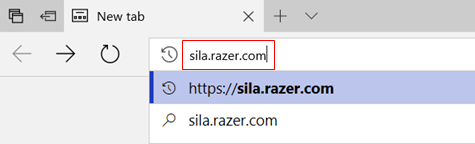
Open a browser, then direct it to 192.168.8.1 or sila.razer.com (sila.razer.com offers better security).
-
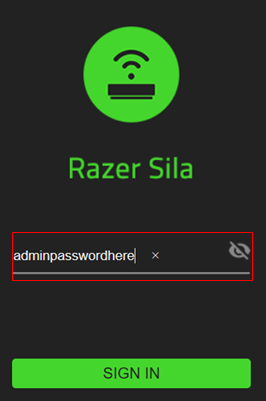
Enter your admin password.
-
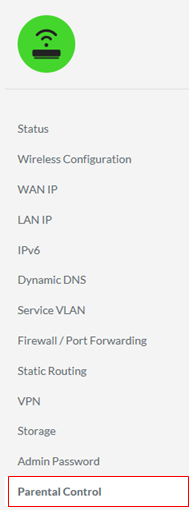
Select "Parental Control" from the menu on the left.
-
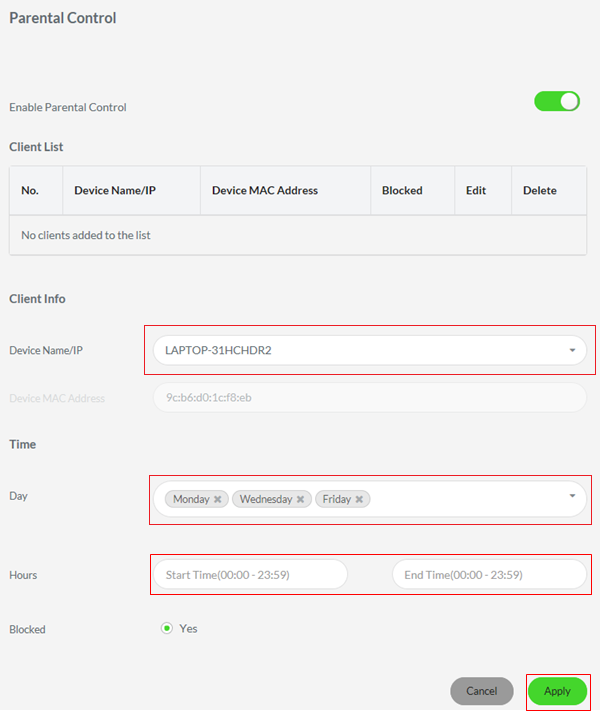
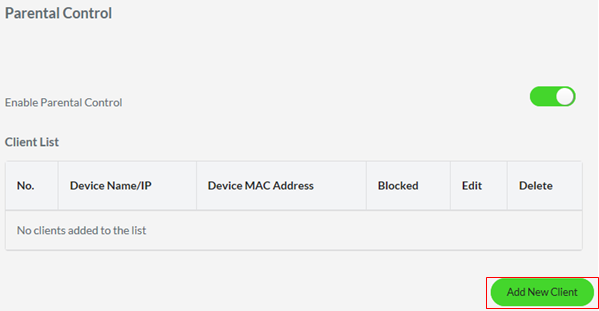
After enabling "Parental Control", you can now add a new client by tapping the "Add New Client".
-
Select a "Device" and select the days and time when the Parental Control will be enabled. Finally, click "Apply" to save changes.