
Restoring a phone to its factory settings means erasing all the information stored on the device and restoring its original system. A factory reset is done to help fix persistent issues and problems with the functionalities of the phone.
Note: It is recommended to back up all your data before performing a factory reset since this process will delete all data and settings on the Razer Phone. However, data from the SIM card and the SD card will remain untouched. Also, have the battery of your phone sufficiently charged.
Follow the steps below to perform a factory reset on the Razer Phone 2 with Android Pie Operating System:
- Go to "Settings" > "System" > "Advanced" > "Reset options".

- Select “Erase all data (factory reset)”.

- Tap “RESET PHONE”.
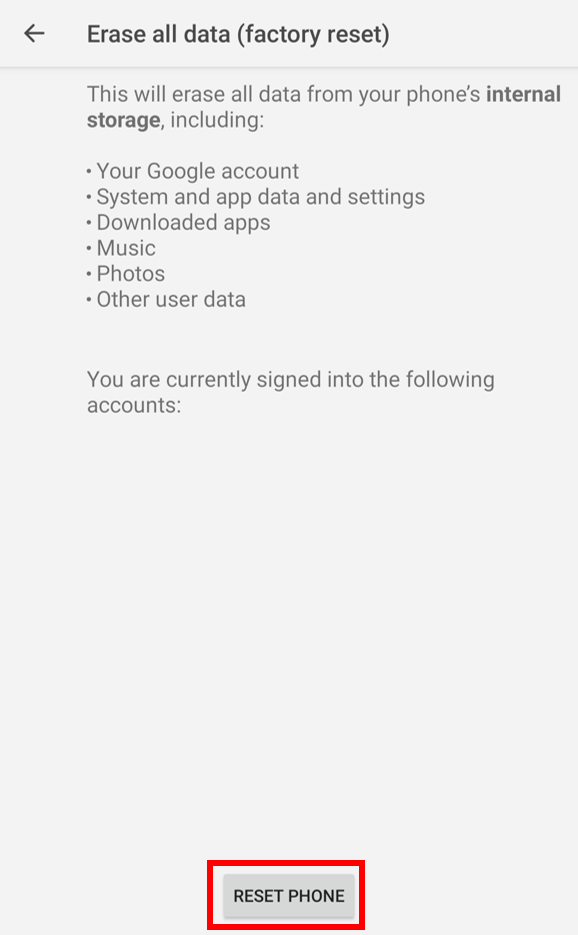
Note: Resetting your phone to its factory settings may take several minutes.
- Wait until the reset process is complete.

