Note: Live support for Razer Sila is no longer available. Please refer to our knowledge base or Insider Forum for support.
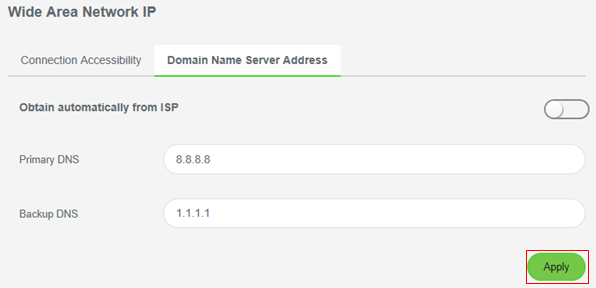
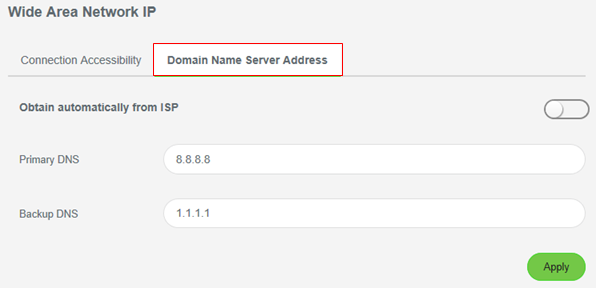
The domain name system (DNS) server that provides the name to IP address translations will be assigned automatically by your internet service provider (ISP) when your Razer Sila is powered up. Use the admin menu to disable the DNS server assigned by your ISP and assign a manual DNS server.
Step-by-step process
-
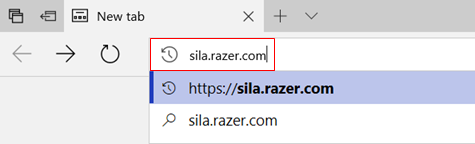
Access the admin menu by directing your browser to "192.168.8.1" or "sila.razer.com".
Note: sila.router.com provides better security.
-
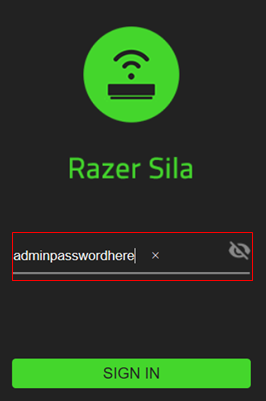
Enter your admin password.
-
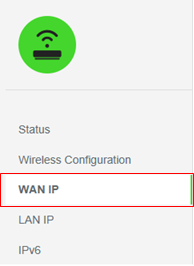
Select "WAN IP".
-
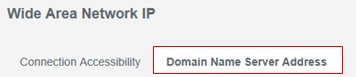
Select "Domain Name Server Address".
-
Enter the "Primary DNS "and the "Backup DNS" server IP addresses.
-
Click "Apply".