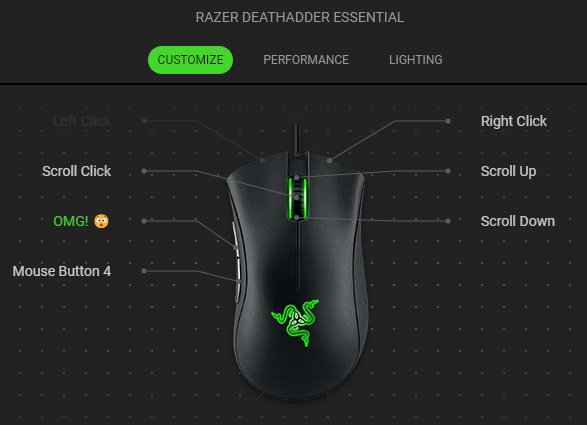
Text Function is one of the programmable features of the Razer mouse that enables you to input texts or phrases with a single click. If you are playing team-based games and constantly send the same message to your teammates, you can program it to your Razer mouse to type it in one click.
Follow the detailed instructions below to use the Text Function feature on a Razer mouse.
-
Launch Razer Synapse.
-
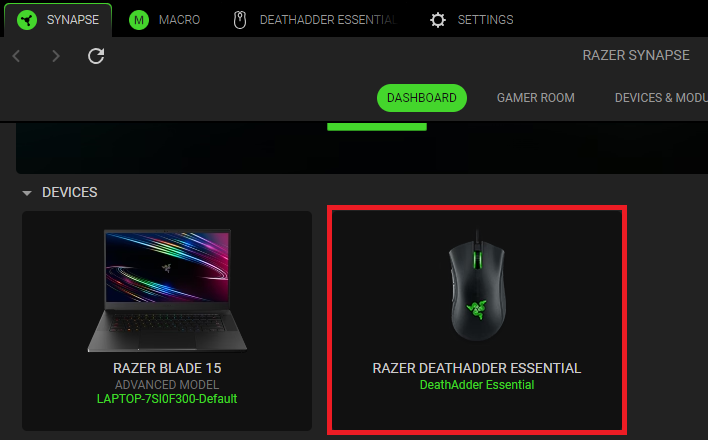
Select your mouse from the DASHBOARD.
-
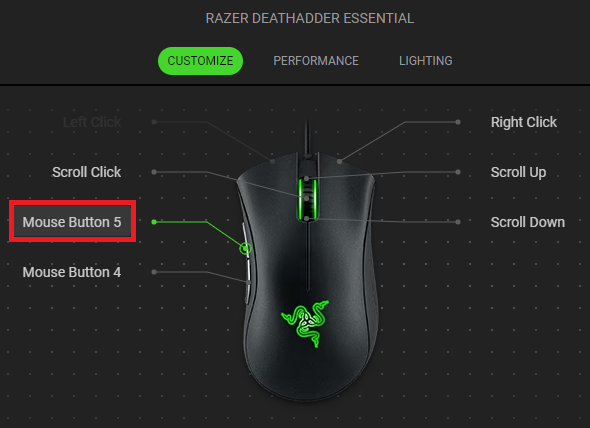
Select a button you want to customize.
-
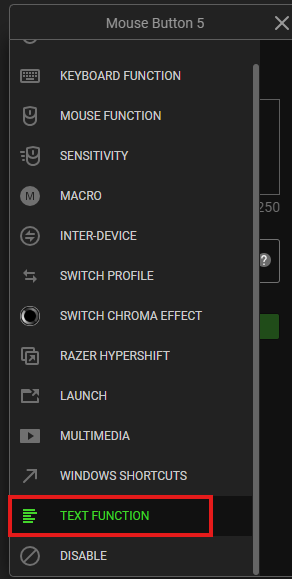
Click “TEXT FUNCTION”.
-
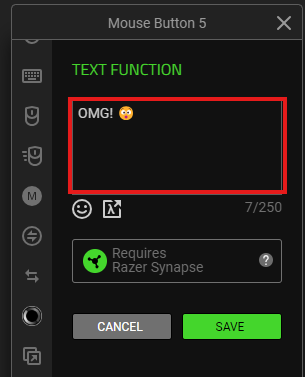
Type the text you wish to program in the text field provided.
-
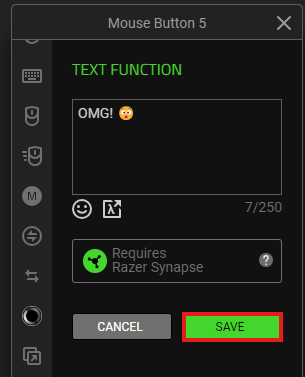
Click “SAVE” to complete the process.
-
The device layout of your mouse nowreflects the changes made.